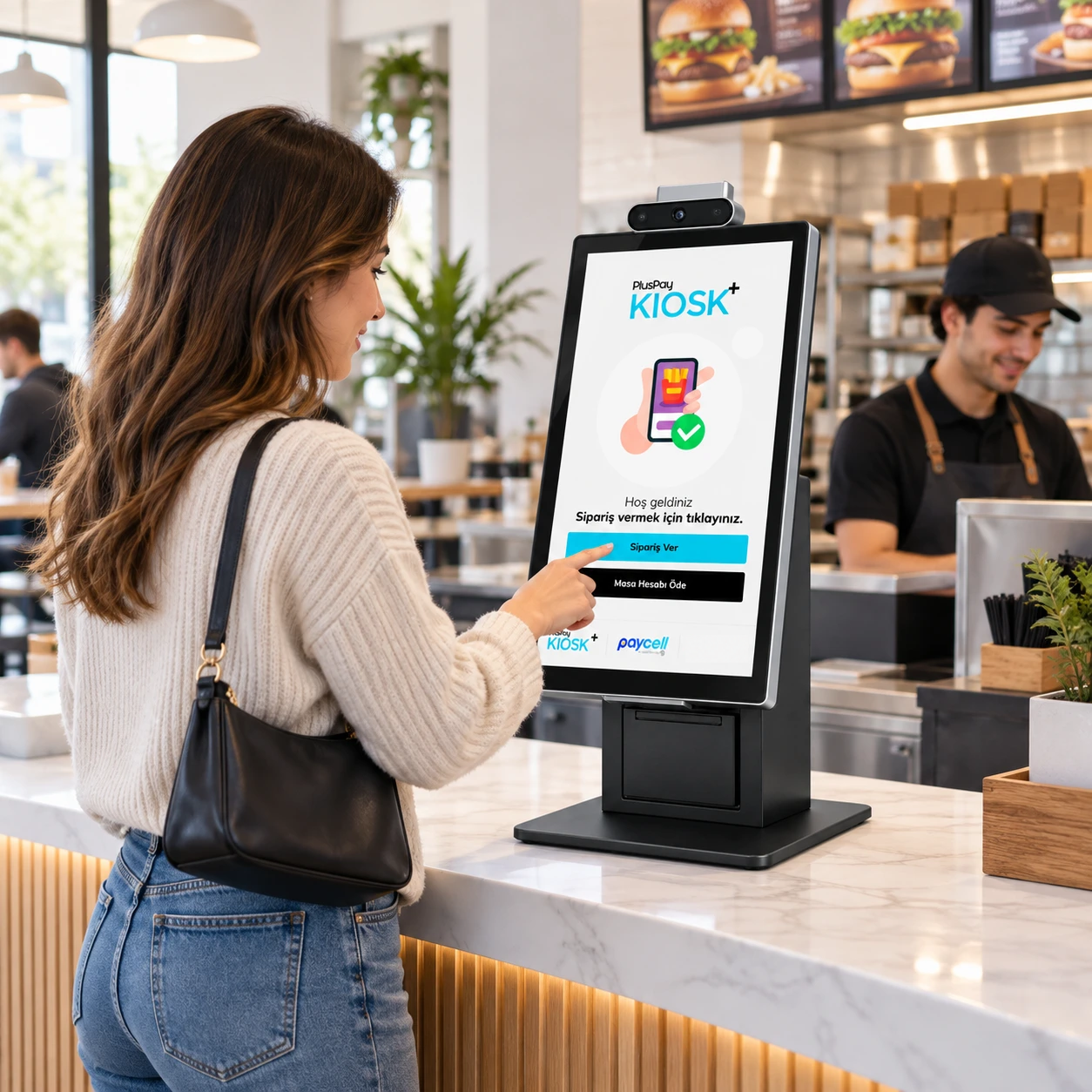


Self-service

Kx20 Pro

Self-service powered by Windows.

Present your self-service applications on a large display with Windows 11 IoT LTSC. Bring ordering, printing and peripherals together at a single workstation.
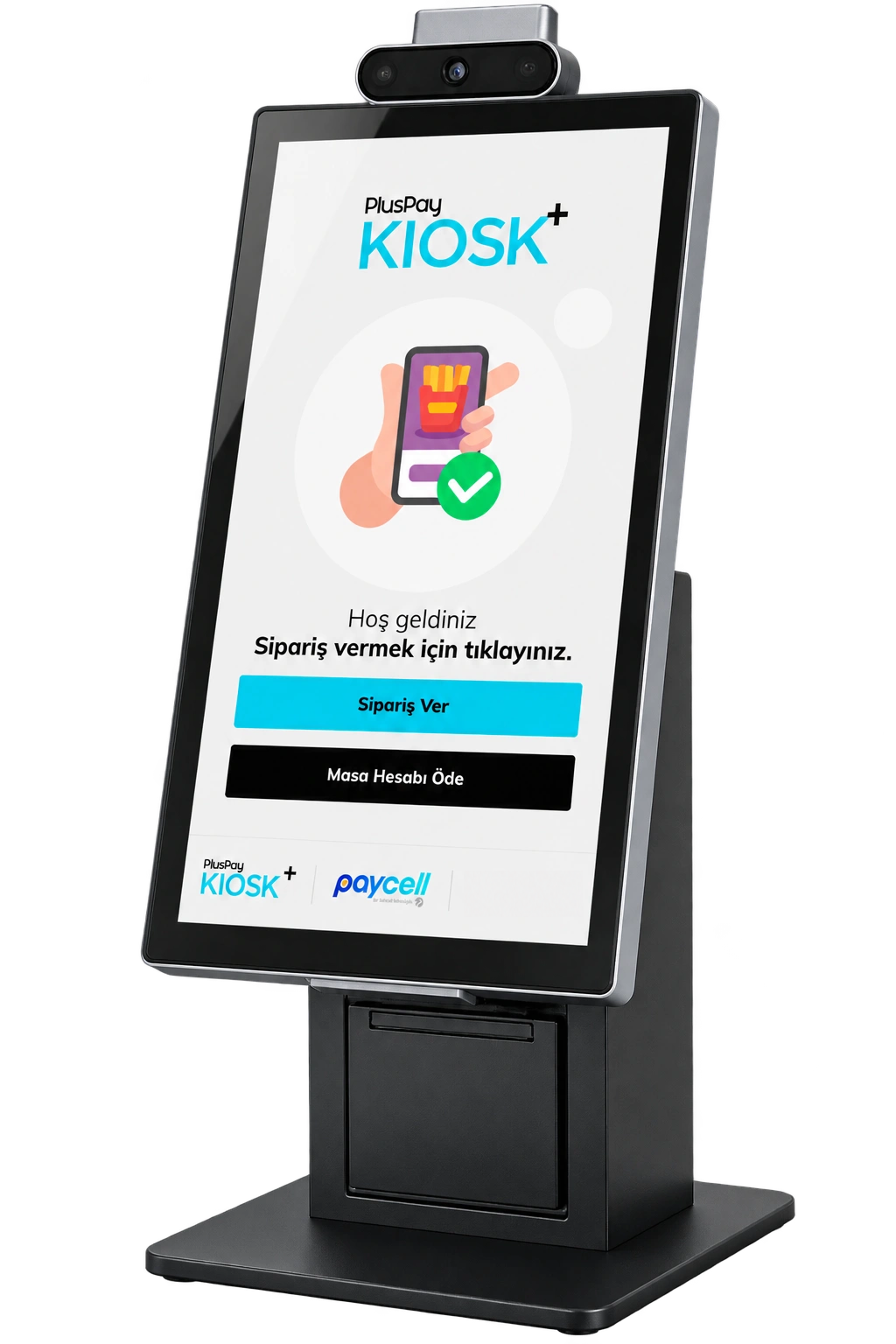
Kx20 Pro product view
Pluspay / Self-service15
01 Features

Kx20 Pro— the details that make it different.

Design and hardware that simplify your daily workflow, in one device.

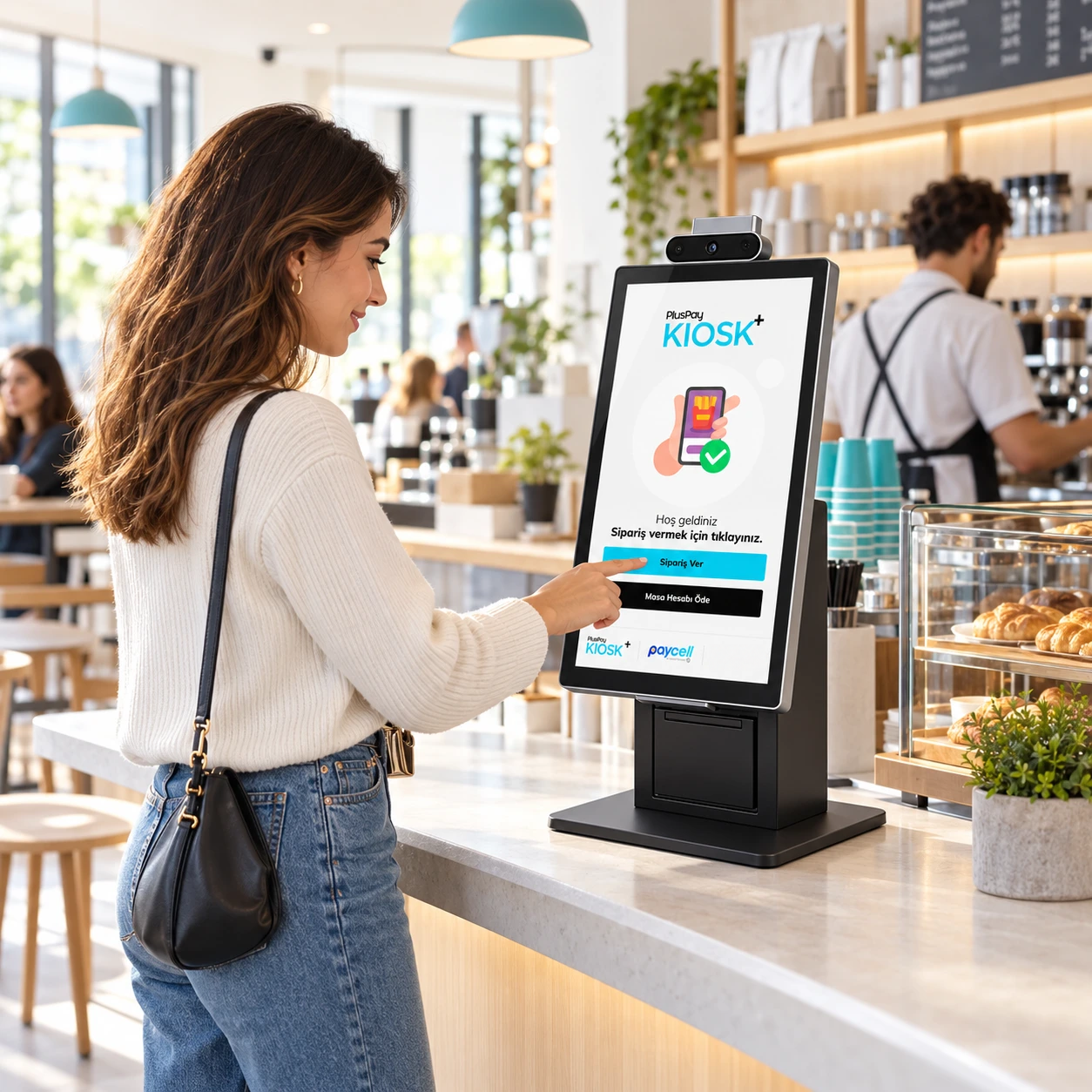
Kx20 Pro use case

Windows 11 IoT LTSC

The Windows 11 IoT LTSC operating system and Intel i3 processor deliver reliability and long-term support for critical business processes.

Bright, clear display

A 21.5-inch Full HD display and 500-nit brightness are designed for clear visibility in busy environments.

Comprehensive recognition and interaction

A 1D/2D scanner, 8 MP front camera, status LED, speaker, and microphone support a range of self-service scenarios.

Suited to retail and hospitality

A range of stands, including countertop and floor models, accommodates various installation scenarios.

Connections ready for payment integration

Extensive I/O connectivity enables seamless integration with payment peripherals and external devices. A built-in 3-inch thermal printer is standard; below-screen NFC is optional.
Kx20 Pro product image 1
Kx20 Pro product image 2
Kx20 Pro product image 3
Kx20 Pro

Take the experience a step further.

Apply now
02 Use cases

Your customer is at the heart of the experience.

Turn ordering and transaction steps into a clear on-screen experience. Plan the layout, app and peripherals around your business.

Explore industry solutions
Kx20 Pro usage scenarioExample usage image

Self-service points

A customer-facing interface for product selection and ordering.

Operations displays

Layouts that make transaction and order information accessible to the relevant teams.

In-store experience

Countertop, stand or fixed installation options to suit your space.

03 Technical details

The power inside. In every detail.

Kx20 Pro hardware: explore the standard features and compare optional configurations.

Processor
Six-core Intel i3-1215U, up to 4.4 GHz
Operating system
Windows 11 IoT LTSC
Memory
Internal: 8 GB RAM + 256 GB FLASH. Optional: 8 GB RAM + 512 GB FLASH; 16 GB RAM + 256 GB FLASH; 16 GB RAM + 512 GB FLASH. Available SSD capacity may differ from the stated capacity due to system calculations and space reserved for backup. Actual capacity is shown on the system screen.
Display
21.5 inches, 1920 × 1080, 500 nits, capacitive multi-touch. 89°/89°/89°/89° (typical), CR ≥ 10; 178° viewing angle. Spill-resistant front surface. Surface hardness ≥ 6H.
Printer
Thermal printer. Paper width: 80 mm. Roll diameter: 80 mm. Print speed: up to 150 mm/s. Automatic cutter.
Scanner
Professional scanner
Buttons
Physical: 1 × power button
Audio
1 × 4 Ω / 3 W single speaker. Headphone connection via 1 × 3.5 mm audio jack (CTIA and OTMP). 1 × microphone.
Camera
Front camera: 8 MP fixed-focus
Connectivity
Wi-Fi: IEEE 802.11 a/b/g/n/ac, 2.4 GHz / 5 GHz. LAN: 1000 Mbps. Bluetooth: Bluetooth 5.0, BLE support.
Card reader
NFC: ISO/IEC 14443 Type A (optional). Magnetic card: ISO tracks 1/2/3, bidirectional (optional). Coming soon.
Ports
4 × USB Type-A 2.0; 2 × USB Type-A 3.0; 1 × DB9 serial port; 1 × RJ45 Ethernet; 1 × HDMI; 1 × 3.5 mm audio jack.
Power
Power supply input: 100–240 V AC, 50–60 Hz. Output: 12 V DC, 7 A.
Operating temperature
0°C to +40°C (32°F to 104°F)
Storage temperature
−10°C to +50°C (14°F to 122°F)
Operating humidity
10%–90% (non-condensing)
Accessories (sold separately)
LED notification system; payment terminal bracket; MSR reader; floor stand; retail floor stand; desktop stand.
Certifications
Regulatory compliance: CE, CB, FCC, IC, RoHS, WEEE, DGM
Durability
IP65 (display)
04 Installation

Get started in three steps.

Your journey with Kx20 Pro, from application to everyday use.

Apply now
  1. 01Application

    Submit your application

    Tell us about your business, the number of devices you need and how you plan to use them.

    From you: a short application
  2. 02Planning

    Let’s plan your setup together

    Clarify software compatibility, connections and required peripherals with our team.

    Together: the right installation plan
  3. 03Getting started

    Check it and get started

    After installation, check the basic functions and connections to integrate your device into your workflow.

    Final step: usage check
Kx20 Pro

Pricing

Device price

Get a quote

Request a current quote for your chosen device configuration and quantity.

Get a quote
Kx20 Pro product image
An employee helping a customer use K20 self-serviceLet's grow your business together.
Let's get started together

Tell us about your business.
Let’s find the solution together.

Discuss product selection, installation and application options for Kx20 Pro with our team.

Product selectionInstallationApplication
Talk to our team