


Self-service

Cx20 DS

Windows power in the kitchen.

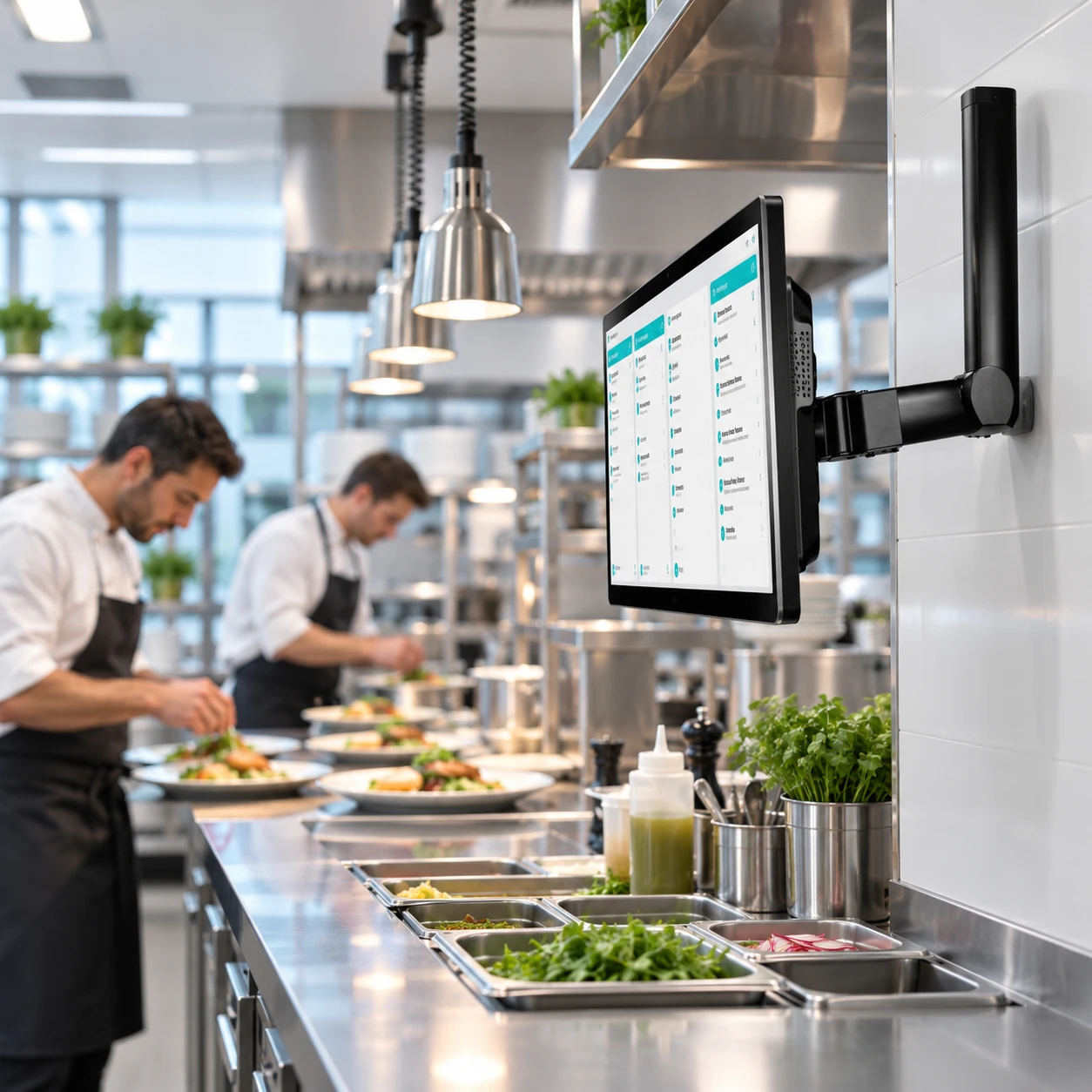
A Windows terminal with a large display, designed for digital information flow in kitchen operations. IP55 protection and PoE+ support accommodate different installations.
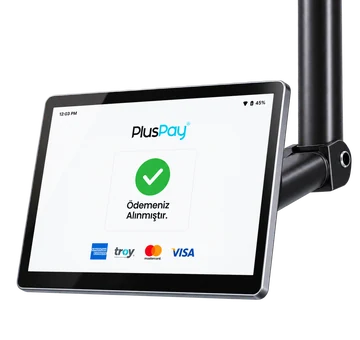
Cx20 DS product view
Pluspay / Self-service14
01 Features

Cx20 DS— the details that make it different.

Design and hardware that simplify your daily workflow, in one device.
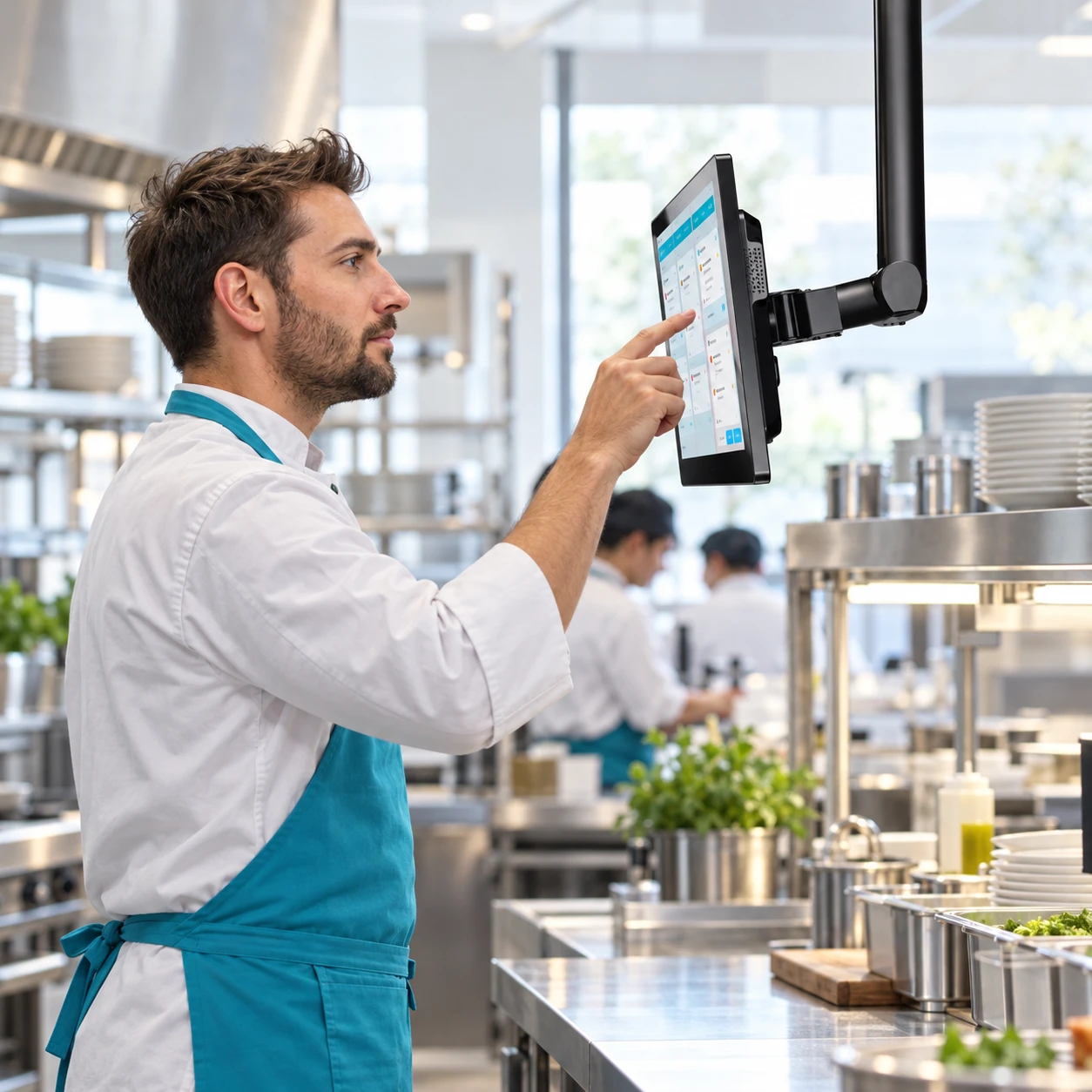
Cx20 DS use case

Windows operating system

Manage information and order flows in kitchen operations with Windows.

A large display for the kitchen

The 15.6-inch Full HD touchscreen provides a clear view of kitchen information and order flows.

IP55 protection

The IP55 protection rating is a durability feature to consider when assessing the environment in which the device will be installed.

Flexible installation with PoE+

IEEE 802.3at PoE+ support enables power over Ethernet with compatible infrastructure.

Automatic startup

Automatic power-on when power is supplied helps the device fit your business's opening routine.

Wireless and wired networking

Wi-Fi 6 and Gigabit Ethernet provide different ways to connect the kitchen display to your business network.

Dual speakers

Dual speakers provide audio notification hardware for transaction and order alerts.

Power your daily workflow

Quad-core
powerful performance.

The 2.0 GHz ARM Cortex-A55 processor supports information and order flows in kitchen operations.
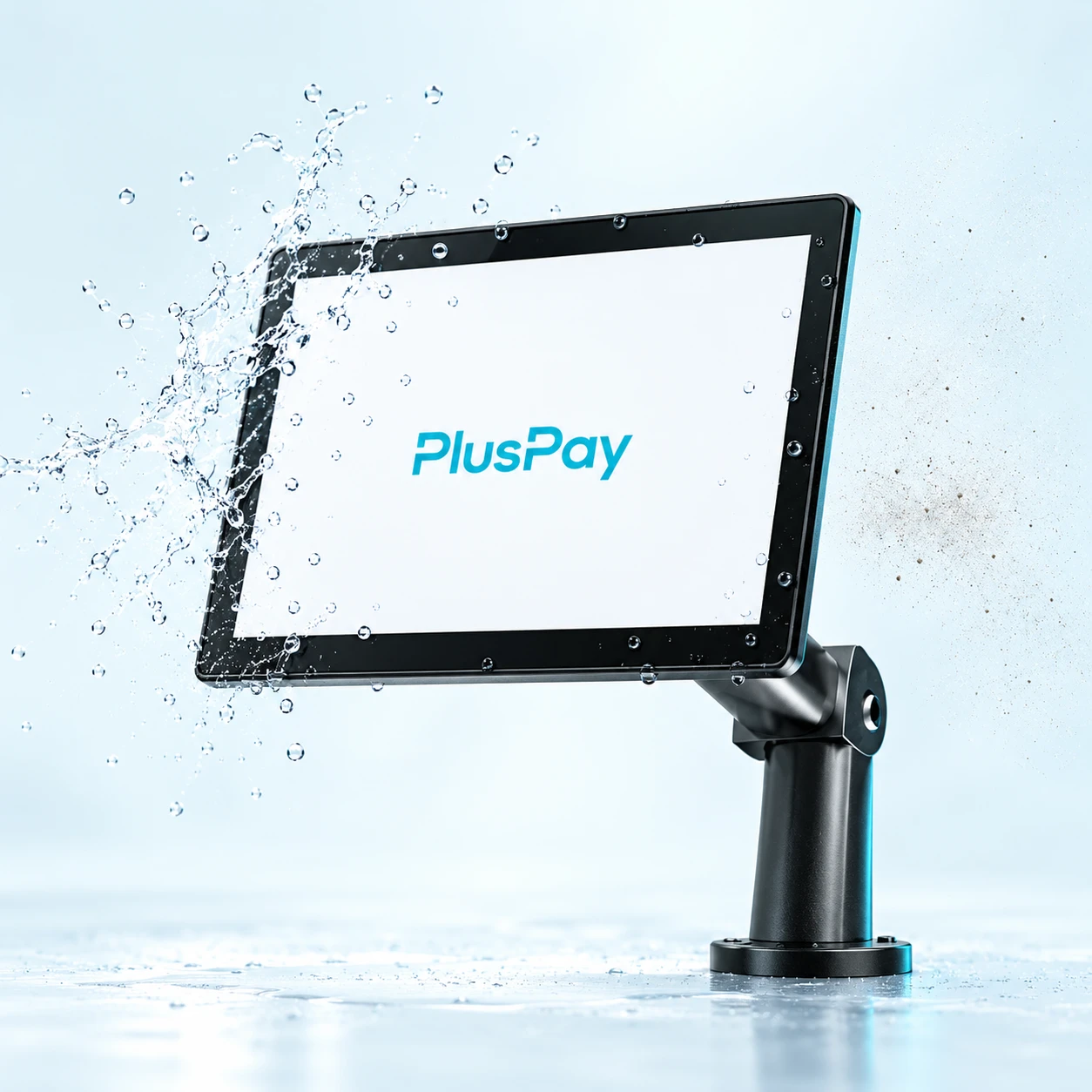
Cx20 DS with water droplets on its screen and IP55 protectionIP55
Built for kitchen conditions

Against dust and water
durable design.

Its IP55 rating protects against dust and water jets, making it suitable for demanding work environments.
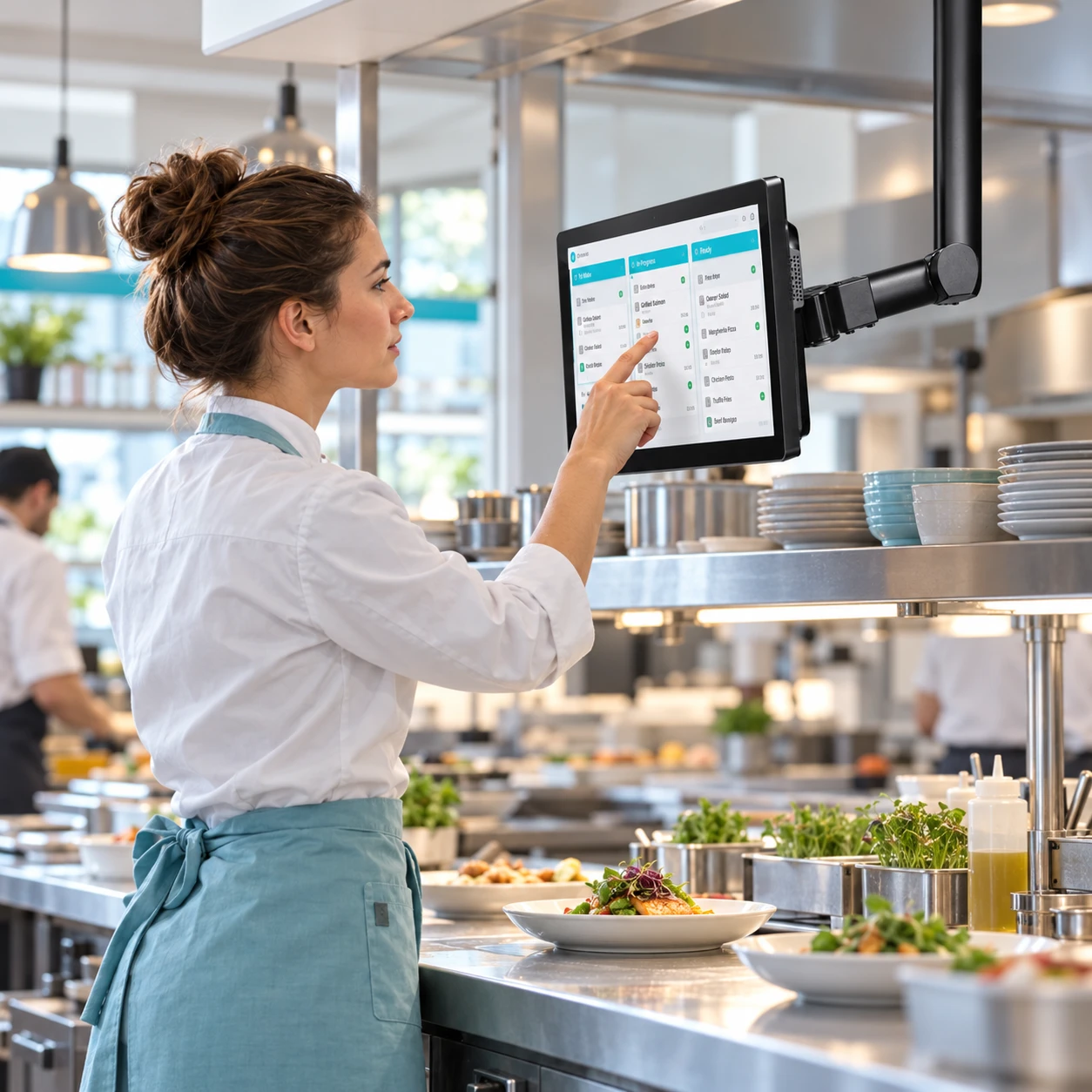
Cx20 DS product image 1
Cx20 DS product image 2
Cx20 DS product image 3
Cx20 DS

Take the experience a step further.

Apply now
02 Use cases

A large display for the kitchen

A large-screen Android terminal designed for digital information flow in kitchen operations. IP55 protection and PoE+ support accommodate a variety of installations.

Explore industry solutions
Business use case

Self-service points

A customer-facing interface for product selection and ordering.

Operations displays

Layouts that make transaction and order information accessible to the relevant teams.

In-store experience

Countertop, stand or fixed installation options to suit your space.

03 Technical details

The power inside. In every detail.

Cx20 DS hardware: explore the standard features and compare optional configurations.

Processor
64-bit, quad-core ARM Cortex-A55, 2.0 GHz
Operating system
Windows
Buttons
1 power button; 1 automatic power-on switch
Display
15.6-inch, 1920 × 1080; capacitive multi-touch; 178° viewing angle
Memory
Internal: 4 GB RAM + 32 GB FLASH. Expansion: microSD card support up to 2 TB.
Audio
3 W, 90 dB at 1 meter, dual speakers. Headset support via 3.5 mm audio jack (CTIA and OTMP).
Connectivity
Wi-Fi: IEEE 802.11a/b/g/n/ac/ax, Wi-Fi 6, 2.4 GHz / 5 GHz. LAN: 1000 Mbps. Bluetooth: Bluetooth 5.0, BLE support.
NFC
Android NFC; compliant with ISO/IEC 14443 and ISO 15693. Type A/B, Mifare and FeliCa support.
Power
Input: 100–240 V AC, 50–60 Hz. Output: 19 V DC, 2.1 A. IEEE 802.3at PoE+; automatic power-on support.
Ports
1 × USB Type-C; 1 × Micro USB; 4 × USB Type-A 2.0; 1 × RJ22 serial port; 1 × RJ45 Ethernet; 1 × RJ11 cash drawer connection; 1 × 3.5 mm audio jack.
Environmental conditions
Operating temperature: 0°C to +40°C (32°F to 104°F). Storage temperature: −40°C to +70°C (−40°F to 158°F). Operating humidity: 10%–90% (non-condensing).
Accessories (sold separately)
C20 MSR; C20 CAM; HS20 scanner; DP20 printer; CD20 cash drawer.
Dimensions (terminal only)
378 × 249 × 37 mm
Weight (terminal only)
1.7 kg
Protection
IP55
Certifications
CE, CB, FCC, IC, RoHS, WEEE, UN 38.3, DGM, ANATEL, NOM, CRT
04 Installation

Get started in three steps.

Your journey with Cx20 DS, from application to everyday use.

Apply now
  1. 01Application

    Submit your application

    Tell us about your business, the number of devices you need and how you plan to use them.

    From you: a short application
  2. 02Planning

    Let’s plan your setup together

    Clarify software compatibility, connections and required peripherals with our team.

    Together: the right installation plan
  3. 03Getting started

    Check it and get started

    After installation, check the basic functions and connections to integrate your device into your workflow.

    Final step: usage check
Cx20 DS

Pricing

Device price

Get a quote

Request a current quote for your chosen device configuration and quantity.

Get a quote
Cx20 DS product image
Business owner working on a computer in a bright officeLet's grow your business together.
Let's get started together

Tell us about your business.
Let’s find the solution together.

Discuss product selection, installation and application options for Cx20 DS with our team.

Product selectionInstallationApplication
Talk to our team