


Your sales, recorded.
Next-Generation Fiscal POS devices are used to create fiscal records of retail sales. These devices securely communicate with Revenue Administration (GİB) systems over the internet and record transactions at the checkout.
Bring your sales, payment and fiscal receipt processes together with the right device. Let's identify the Next-Generation Fiscal POS solution that suits your checkout setup, software and payment collection needs.
Get information for my businessExplore the experience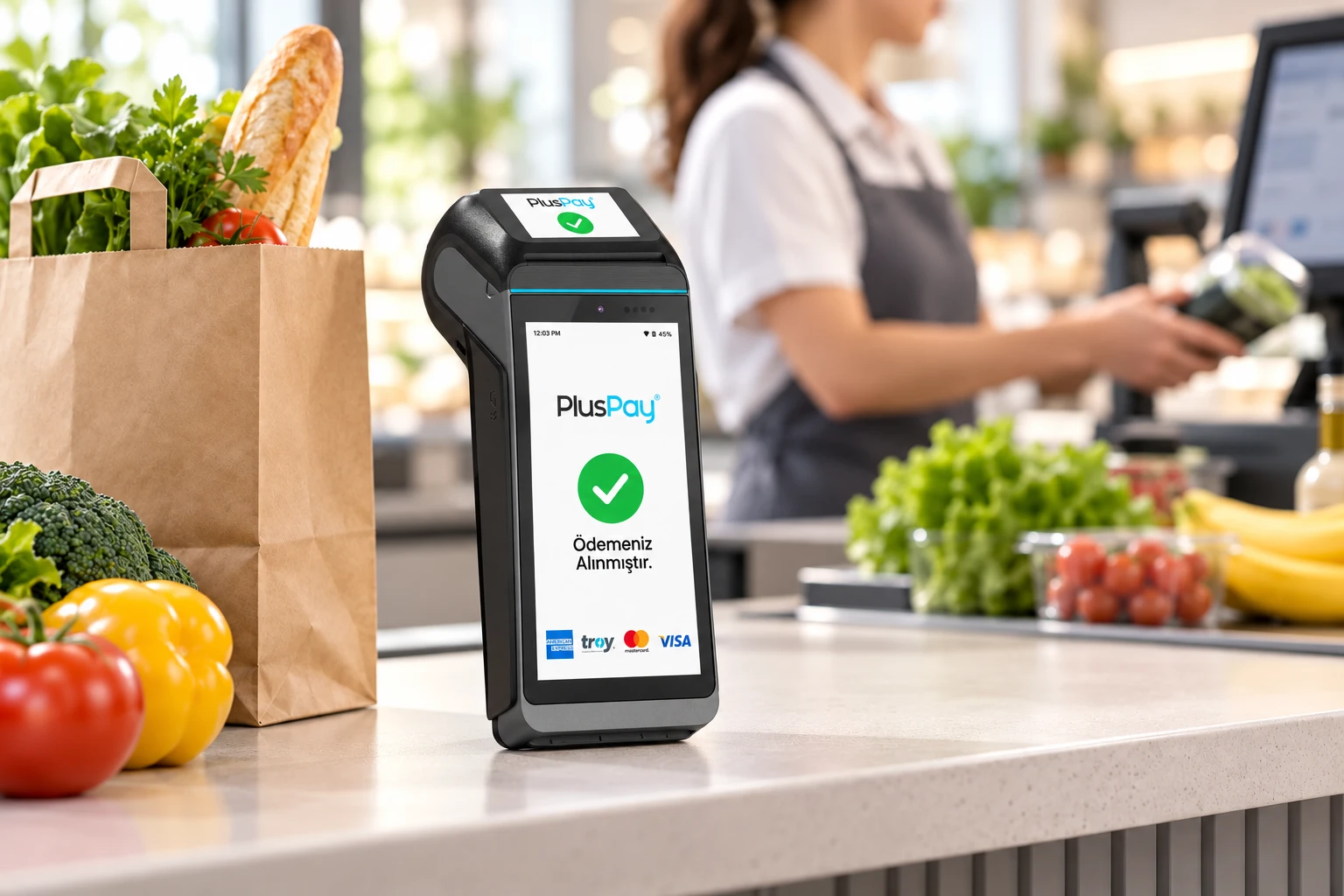
Next-Generation Fiscal POS devices are used to create fiscal records of retail sales. These devices securely communicate with Revenue Administration (GİB) systems over the internet and record transactions at the checkout.
A Next-Generation Fiscal POS with EFT-POS functionality combines a bank POS terminal and a cash register in one device. It brings sales and card payment steps into an integrated checkout experience.
Let's consider your countertop use, portability, connectivity, and sales software needs together. We'll choose a model based on both its specifications and the way you work every day.
Grocery store, retail shop, restaurant or service point… Every business has a different sales pace and checkout setup. Choosing the right Fiscal POS starts with considering how you accept payments, your fiscal document process and your existing software together.
Tell the Pluspay team how you plan to use your device. Let’s clarify the device type, payment app, peripherals and integration needs together, and prepare a start that fits your needs from setup to everyday use.
Monitor sales through your Fiscal POS fiscal records and reports. The Z report brings together daily sales, revenue, and VAT information to help with end-of-day checks.
Assess your sales software, barcode reader, and other peripherals against the configuration supported by your chosen model. Properly configured connections make checkout operations easier.
Let's clarify your device, connections and application process together.
Let’s assess your sales volume, fixed or mobile usage, and existing software.
Let's select the device model, payment application and connections your business needs.
Fiscal activation is performed by an authorized service provider. The device becomes available for use after activation.
Find answers here to your questions about the solution, how to use it and how to get started. Contact us for details specific to your business.
Contact us for more informationA standard POS focuses on payment acceptance. A Fiscal POS records sales for tax purposes and issues fiscal receipts. A Next-Generation Fiscal POS with EFT-POS functionality combines payment acceptance and cash register functions in one device.