


Windows application compatibility
Windows 11 IoT LTSC provides a platform designed for long-term use in enterprise checkout applications.
A desktop terminal that combines a Full HD display, an Intel processor, and modern connectivity options for checkouts running Windows applications.
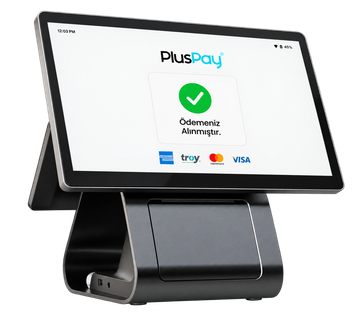
Design and hardware that simplify your daily workflow, in one device.
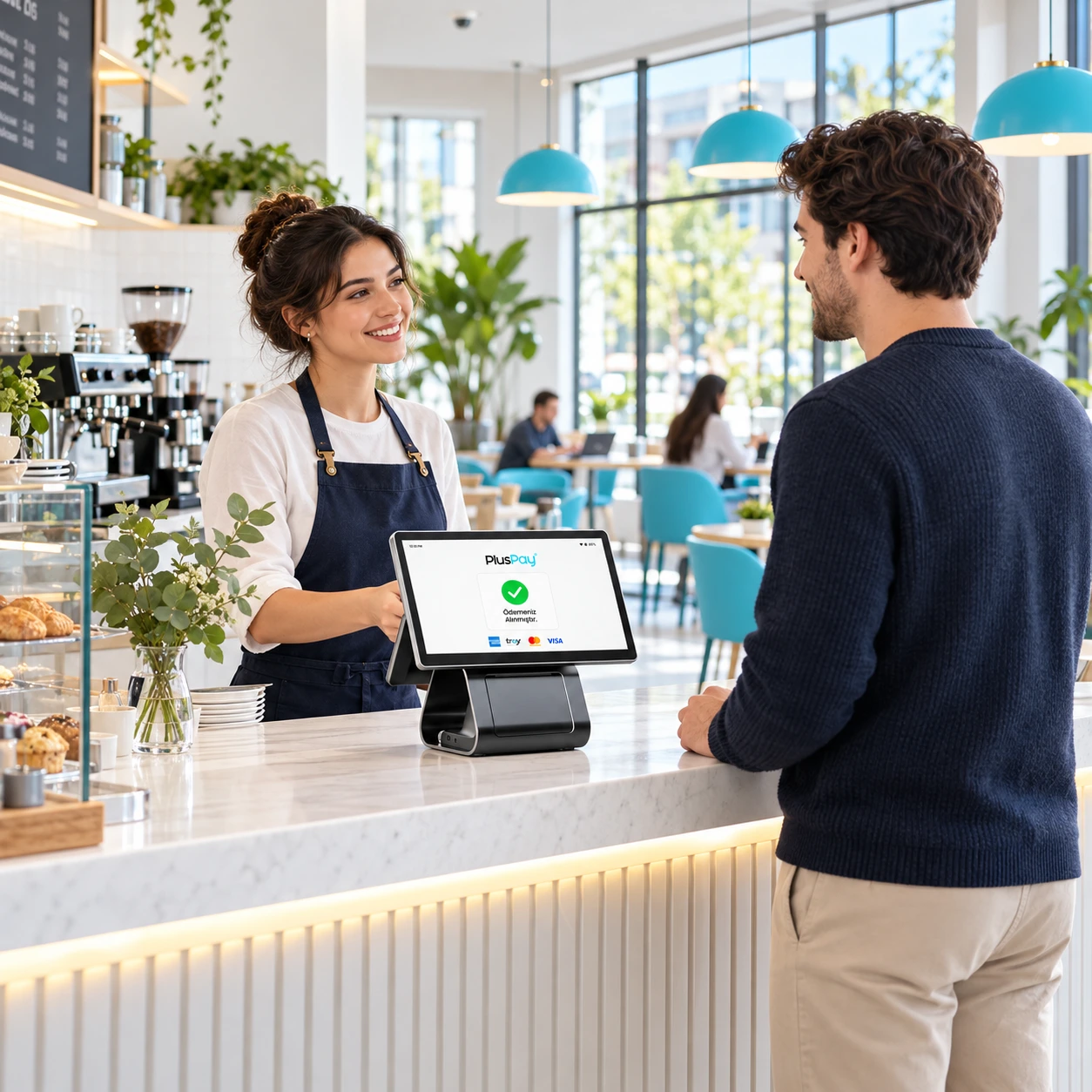
Windows 11 IoT LTSC provides a platform designed for long-term use in enterprise checkout applications.
A quad-core processor running at up to 3.6 GHz, designed to handle everyday checkout workloads.
The 15.6-inch screen displays the sales interface in detail at a resolution of 1920 × 1080.
The optional 10.1-inch display is available in standard or touchscreen configurations, with a QR camera option.
Connect to your business network and peripherals with Wi-Fi 6E, Gigabit Ethernet, and Bluetooth 5.3.
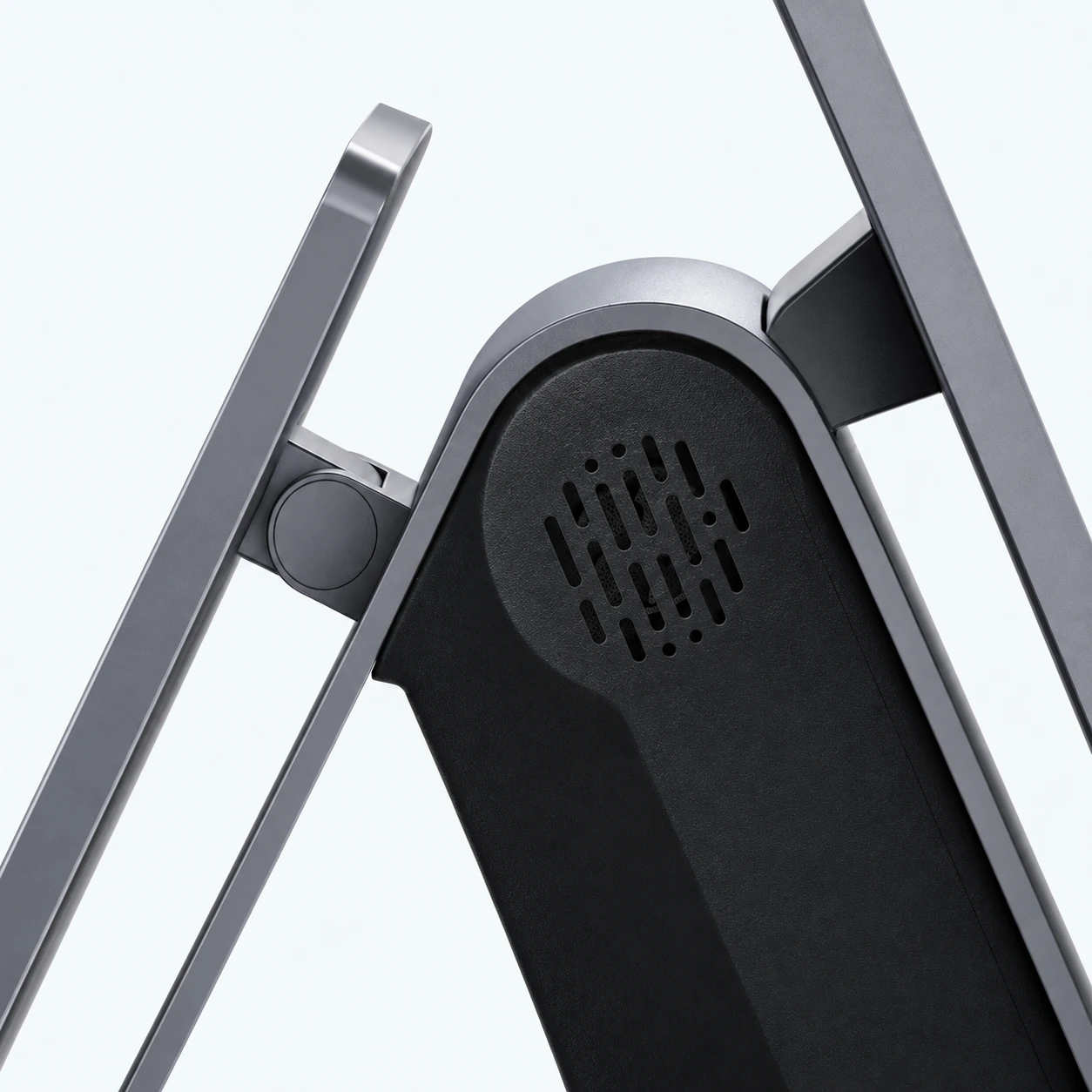
An 80 mm thermal printer with an automatic cutter is complemented by dual 5 W speakers and two microphones.
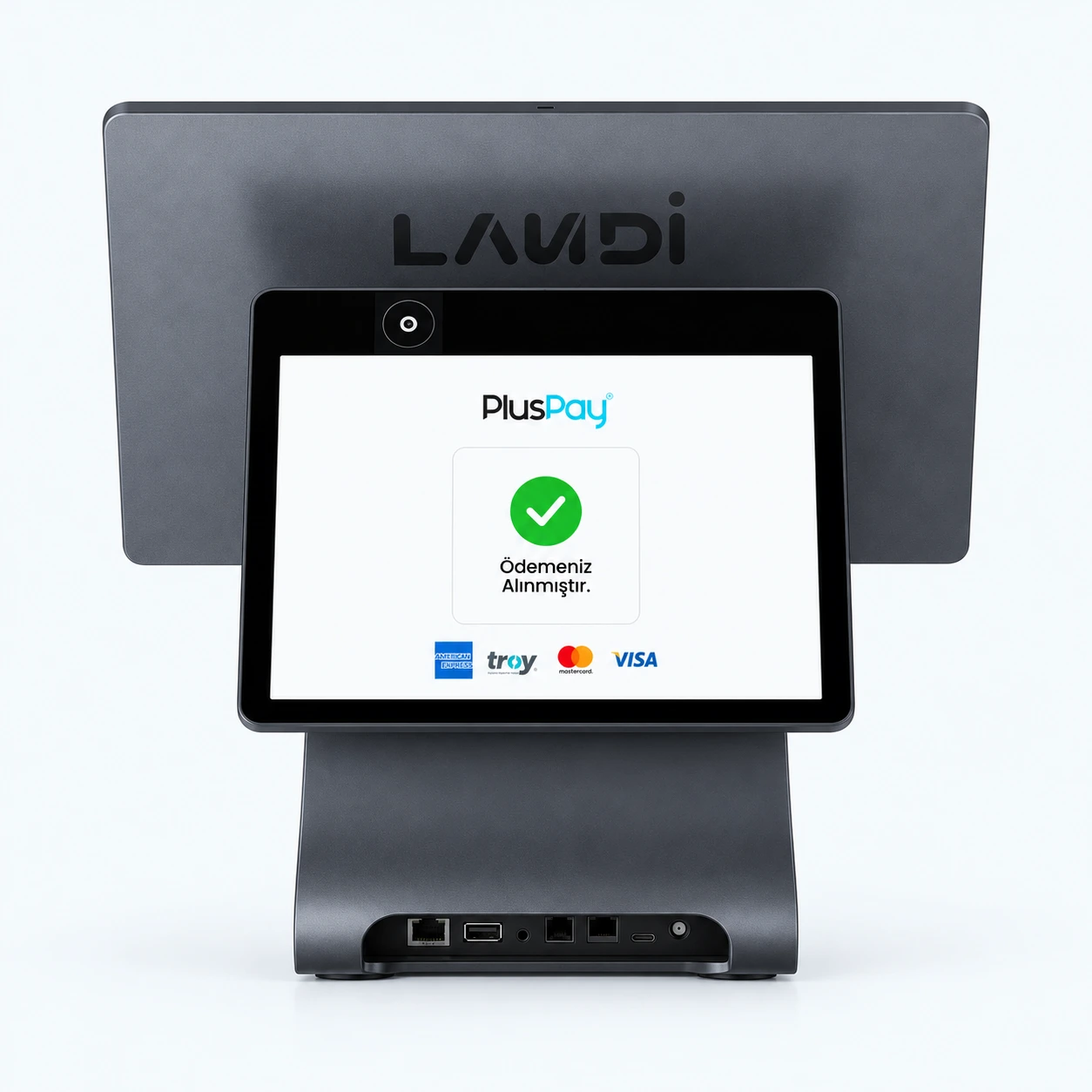 A shared experience with your customer.
The optional 10.1-inch customer display offers flexibility and improves customer engagement, with a standard display or an interactive version featuring a touch panel and QR camera.
Wi-Fi 6E, Gigabit Ethernet, and Bluetooth 5.3 provide fast, stable, future-ready connections. They support device integration and uninterrupted data flow.
2.4 / 5 / 6 GHz
Gigabit Ethernet
BLE support
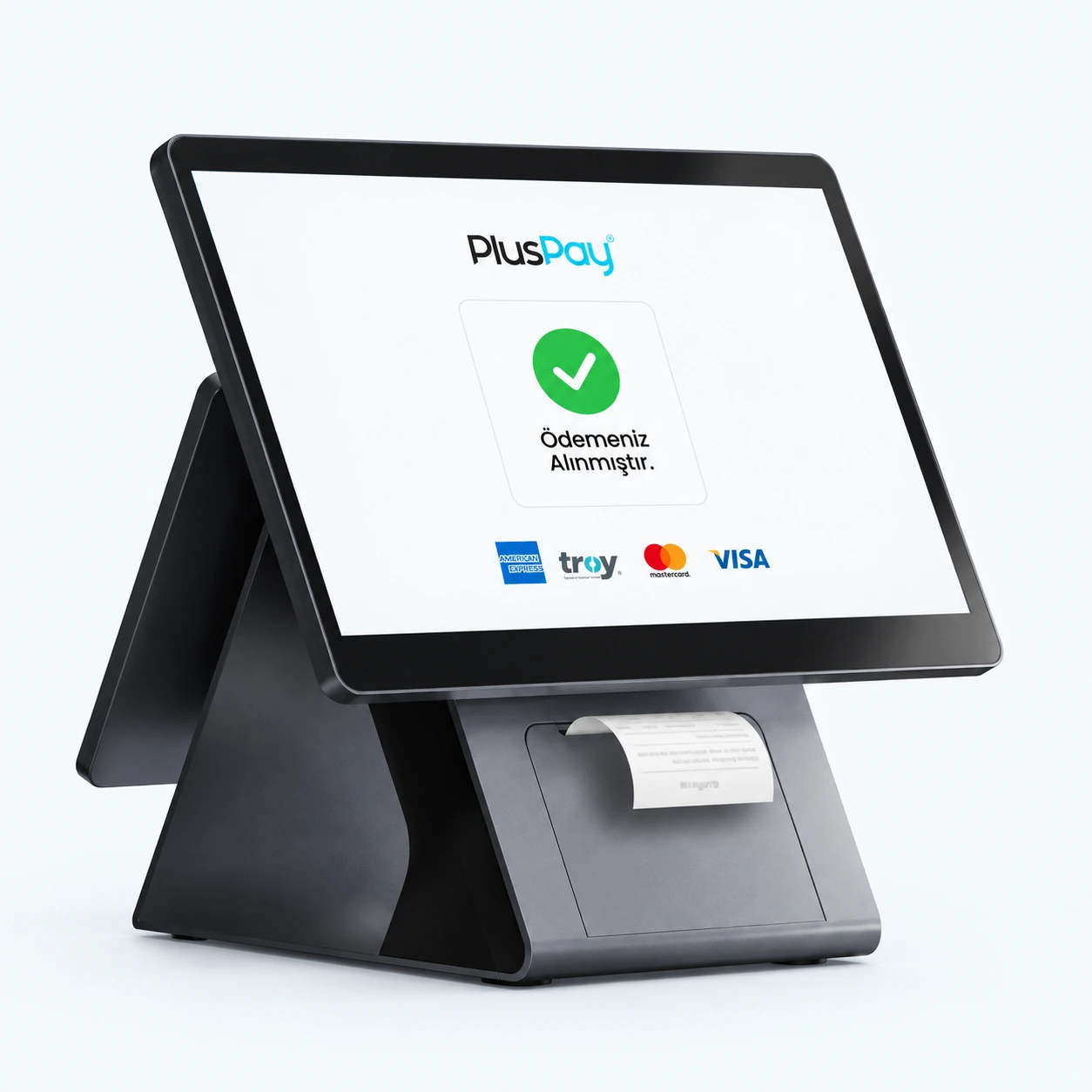
Print receipts directly from your Cx20 Lite with its high-speed 80 mm thermal printer and automatic cutter.
80 mm paper · Automatic cutterBroad peripheral compatibility with USB Type-C, USB 3.0 / 2.0, RJ45 LAN, RJ22 serial port, RJ11 cash drawer port and a 3.5 mm audio jack.
Compatibility with your business peripheralsDual 5 W speakers and dual microphones deliver clear sound and reliable voice capture, even in busy environments.
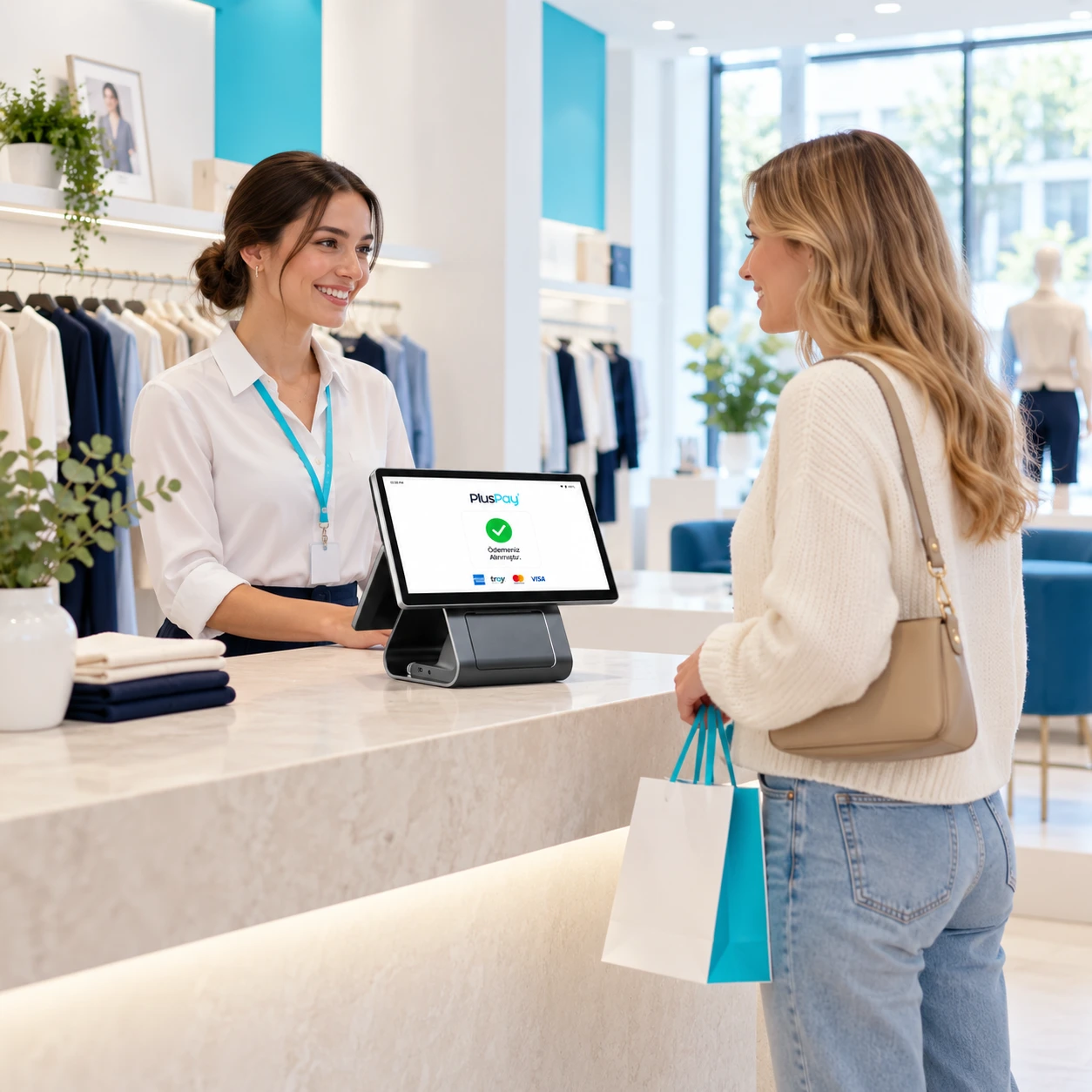
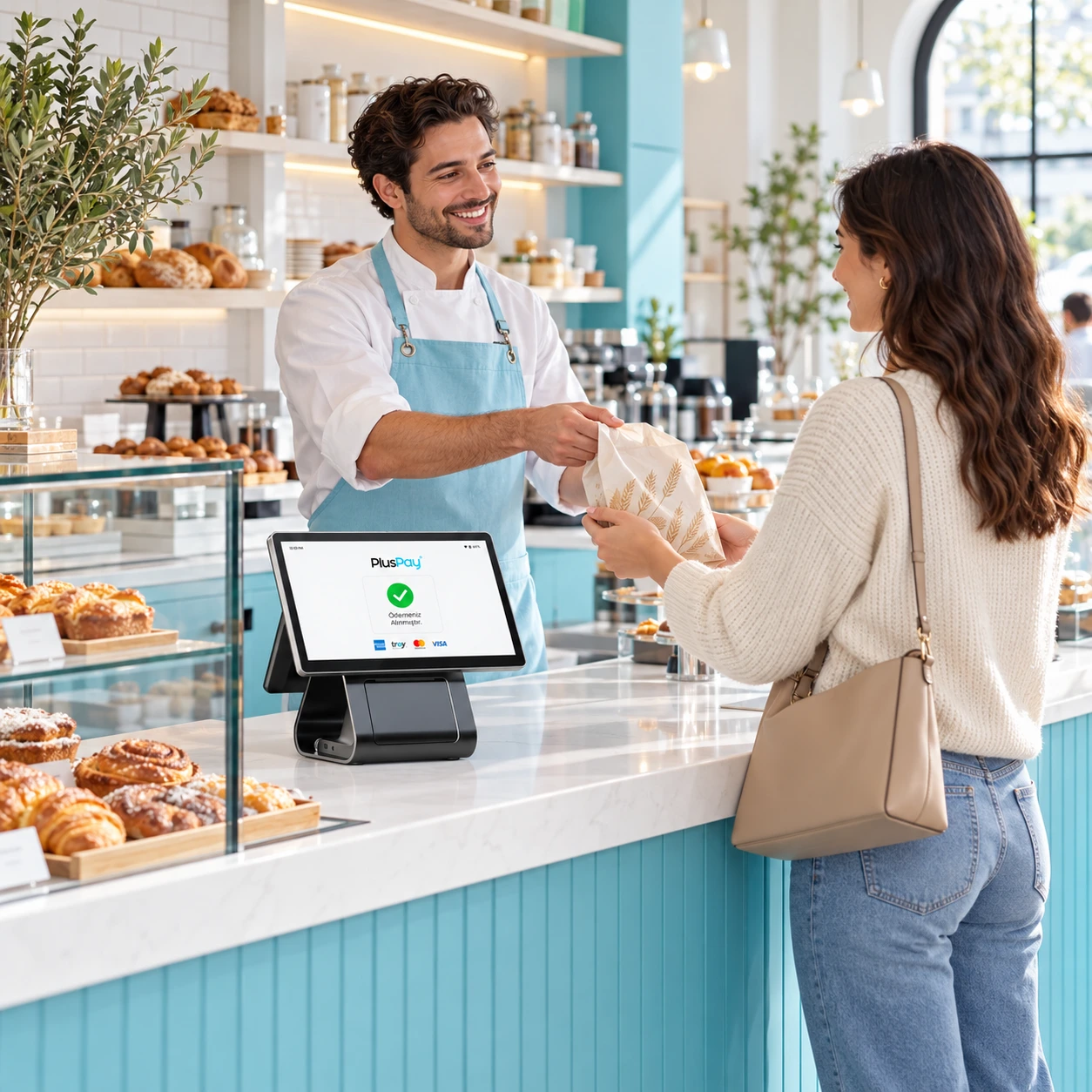
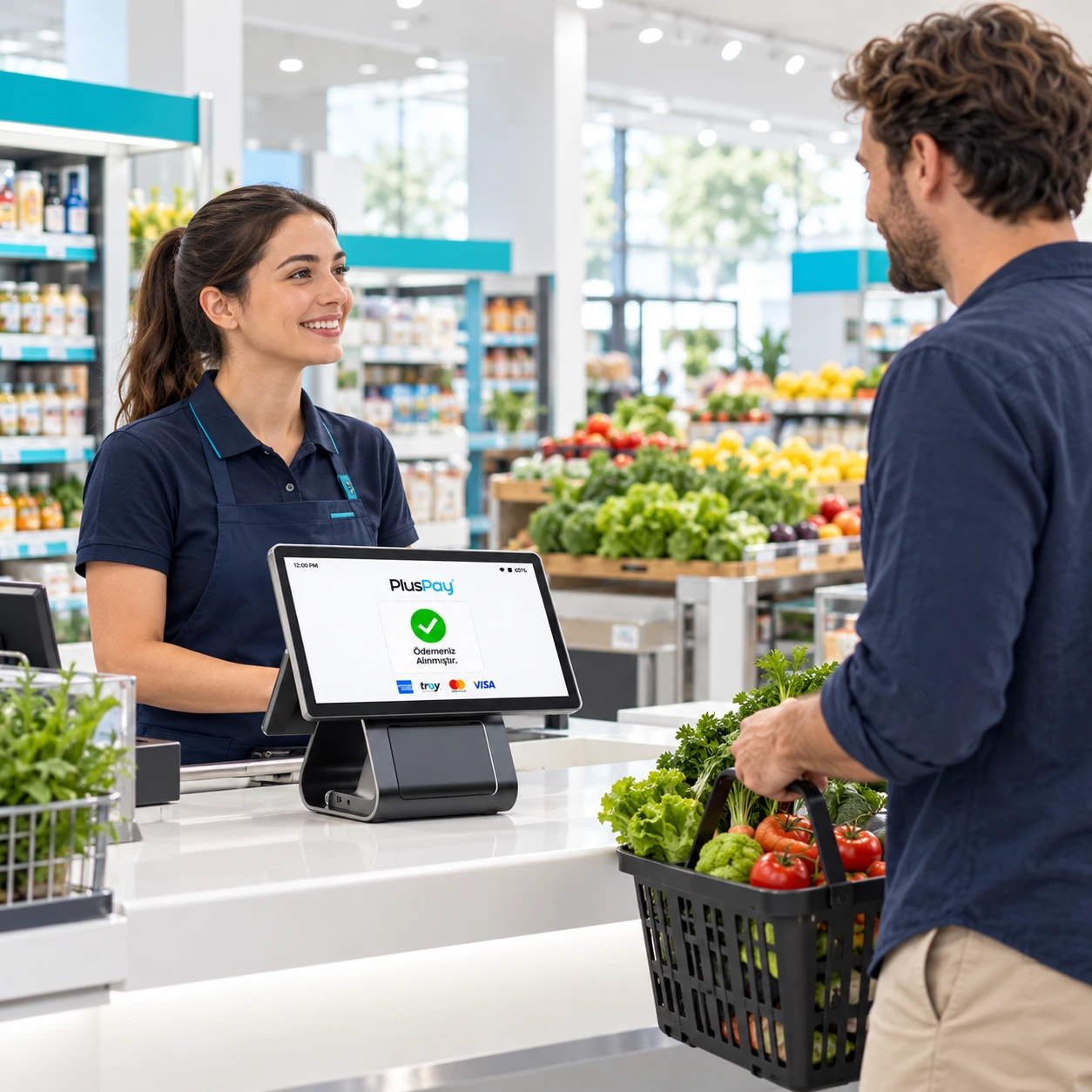
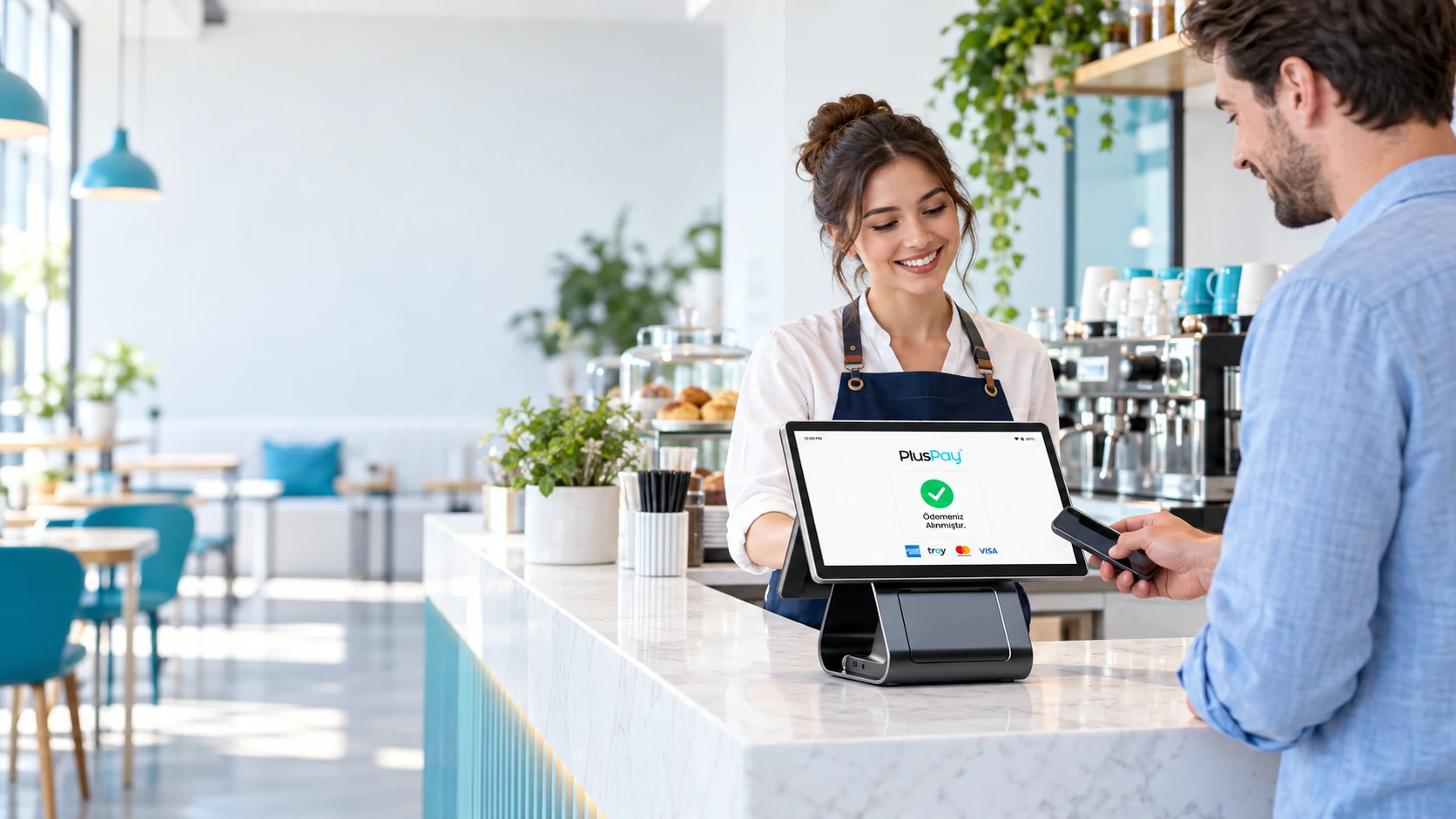
A desktop terminal that combines a Full HD display, an Intel processor, and modern connectivity options for checkouts running Windows applications.
Explore industry solutions Example usage image
Bring barcode scanning, sales, and receipts together in one workspace.
Position the ordering screen to suit your staff’s daily workflow.
Choose a customer display and peripherals to suit your needs.
Cx20 Lite hardware: explore the standard features and compare optional configurations.
Your journey with Cx20 Lite, from application to everyday use.
Tell us about your business, the number of devices you need and how you plan to use them.
Clarify software compatibility, connections and required peripherals with our team.
After installation, check the basic functions and connections to integrate your device into your workflow.
 Let's grow your business together.
Discuss product selection, installation and application options for Cx20 Lite with our team.