


Checkout solutions · Coming soon

Cx10 Lite

A new checkout experience. Coming soon.

Cx10 Lite product information and usage options will be shared on this page. Contact the Pluspay team to stay informed about developments.

Cx10 Lite product view
Pluspay / Checkout solutions10
01 Features

Simplify your checkout experience.

A competitive entry-level Windows POS designed to simplify checkout, hospitality and self-service operations on one stable, proven platform.
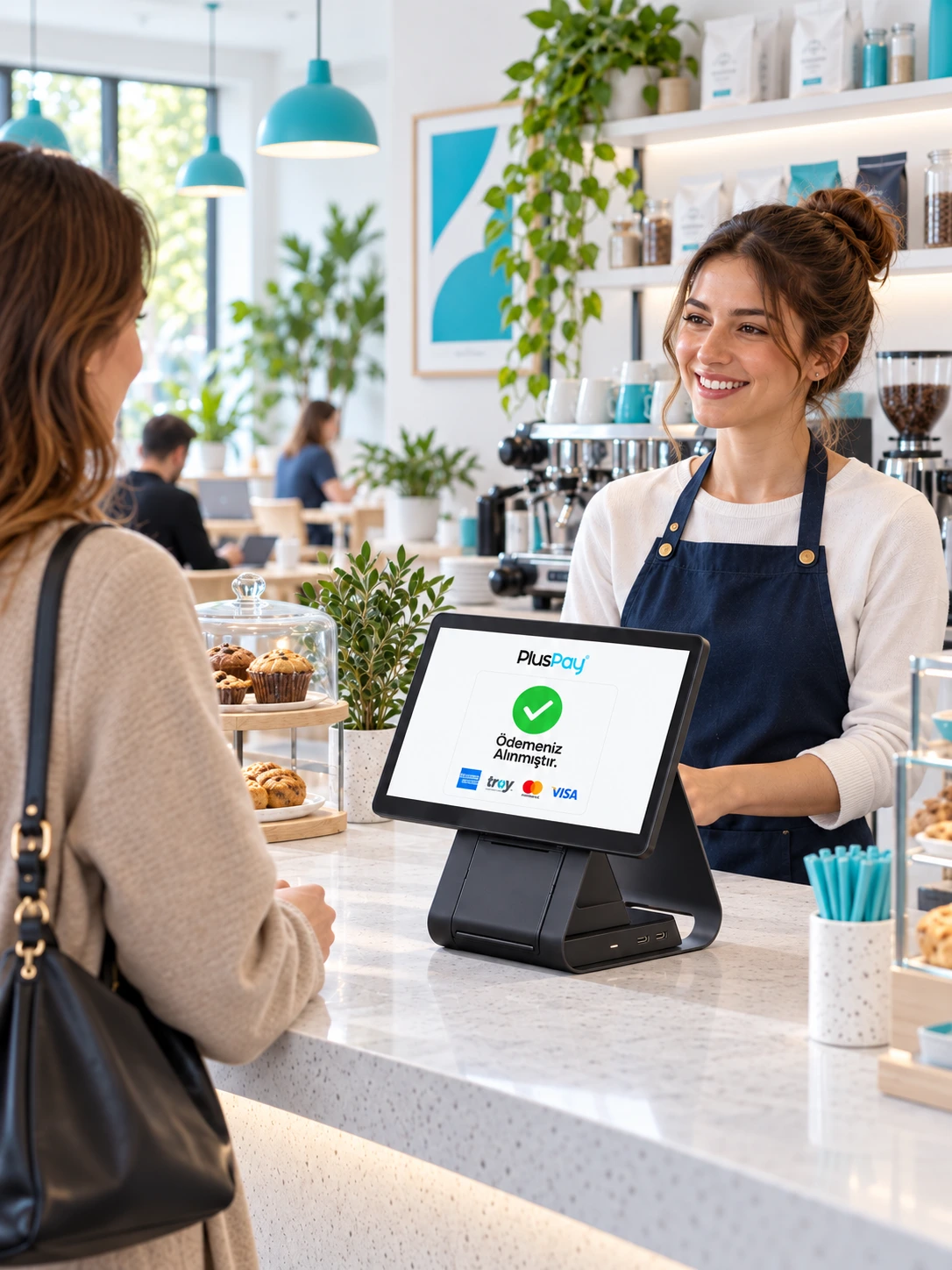
Cx10 Lite use case

Stable Windows platform

Windows 11 IoT LTSC platform with an Intel N95 processor.

15.6-inch Full HD display

A 15.6-inch Full HD main display with vivid visuals.

Dual display options

Versatile dual-screen and customer display options.

Optional integrated printer

A competitive entry-level design with an optional integrated printer featuring an automatic cutter.
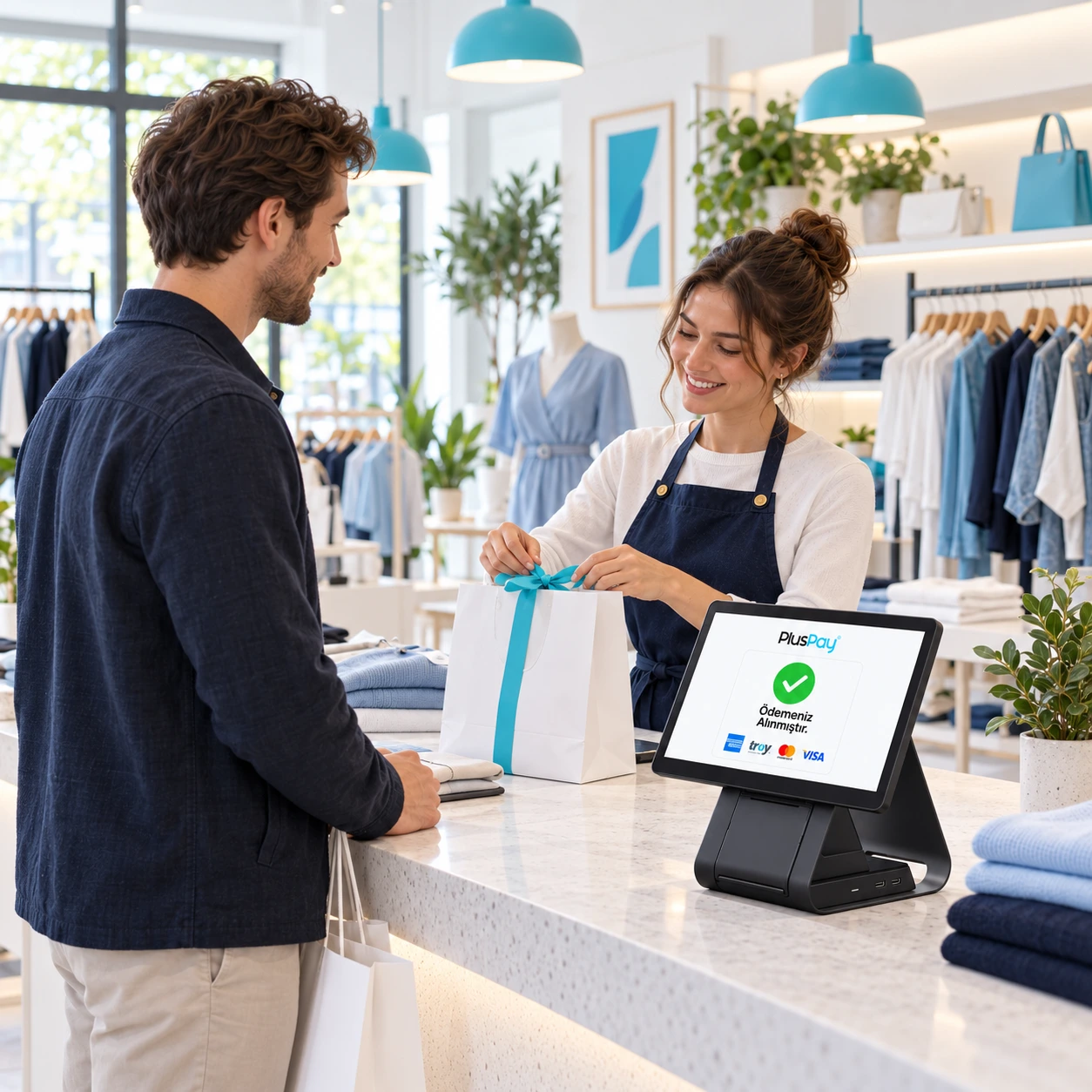
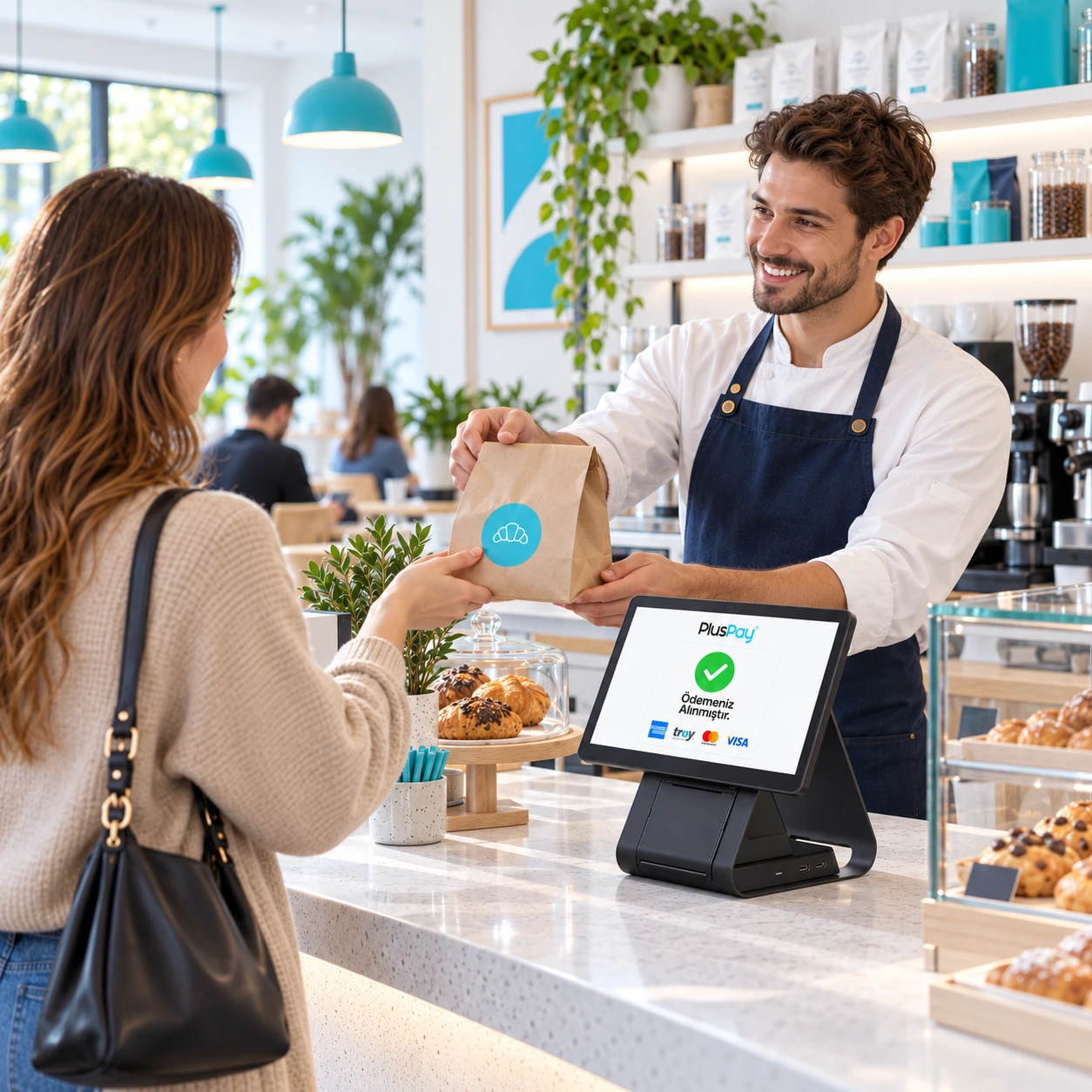
Cx10 Lite product image 1
Cx10 Lite product image 2
Cx10 Lite product image 3
Cx10 Lite

Get ready for the future of your business.

Stay informed
02 Use cases

More space at your checkout. More control over your business.

Track your sales on a large display; create the right checkout setup for your business software, printer, and other peripherals.

Explore industry solutions

Cx10 Lite usage scenarioExample usage image

Grocery

Bring barcode scanning, sales, and receipts together in one workspace.

Restaurants and cafés

Position the ordering screen to suit your staff’s daily workflow.

Retail

Choose a customer display and peripherals to suit your needs.

03 Technical details

The power inside. In every detail.

Cx10 Lite hardware: explore the standard features and compare optional configurations.

Processor (CPU)
Intel N95
Operating system
Windows 11 IoT LTSC
Main display
15.6 inches 1920 × 1080 pixels
Memory
Option 1: 8 GB RAM + 128 GB FLASH Option 2: 8 GB RAM + 256 GB FLASH
Printer
Option 1: No printer Option 2: Integrated printer (80 mm, automatic cutter)
Customer display
Option 1: None Option 2: Standard customer display; 10.1 inches, 1280 × 800 pixels, non-touch Option 3: Premium customer display; 10.1 inches, 1280 × 800 pixels, touch
04 Installation

Get started in three steps.

Your journey with Cx10 Lite, from application to everyday use.

Apply now
  1. 01Application

    Submit your application

    Tell us about your business, the number of devices you need and how you plan to use them.

    From you: a short application
  2. 02Planning

    Let’s plan your setup together

    Clarify software compatibility, connections and required peripherals with our team.

    Together: the right installation plan
  3. 03Getting started

    Check it and get started

    After installation, check the basic functions and connections to integrate your device into your workflow.

    Final step: usage check
Cx10 Lite

Pricing

Device price

Coming soon

Pricing will be shared when the product is announced.

Stay informed
Cx10 Lite product image
Business owner working on a computer in a bright officeLet's grow your business together.
Let's get started together

Tell us about your business.
Let’s find the solution together.

Discuss product selection, installation and application options for Cx10 Lite with our team.

Product selectionInstallationApplication
Talk to our team