


Payment devices

Pinpad

Compact design, maximum efficiency.

Simplify checkout transactions with a compact touchscreen payment terminal.
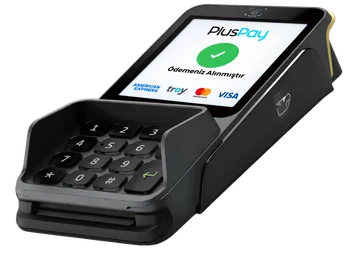
Pinpad product view
Pluspay / Payment devices06
01 Features

Pinpad— the details that make it different.

Design and hardware that simplify your daily workflow, in one device.

Pinpad use case

Compact checkout setup

Organize your payment point with a design that takes up little counter space.

Customer-facing experience

Present the payment steps on a separate terminal that your customer can easily see.

Physical keypad

Enter a PIN using clearly defined keys independently of the touchscreen.

Privacy when entering a PIN

Protect the PIN entry area with a privacy shield around the keypad.

Support for different payment preferences

Give customers the choice to insert, swipe or tap their card.

Comfortable countertop use

Position the device within your customer's reach with its angled screen and desktop design.

Contactless cards and devices

Accept payments with a tap of a card or compatible device.
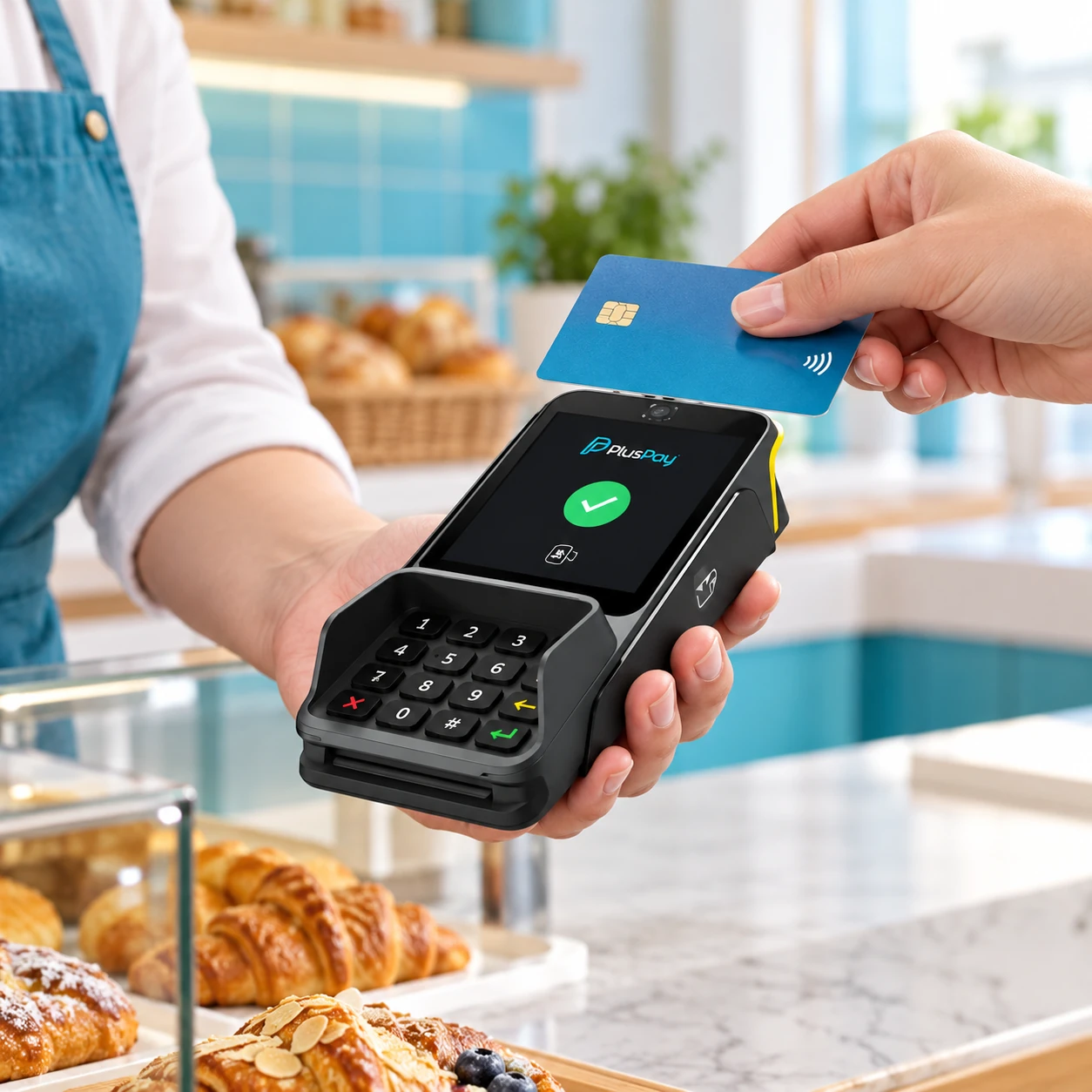
Pinpad with contactless cards and devices payment

Magnetic stripe

Expand your card payment options with a magnetic card reader.
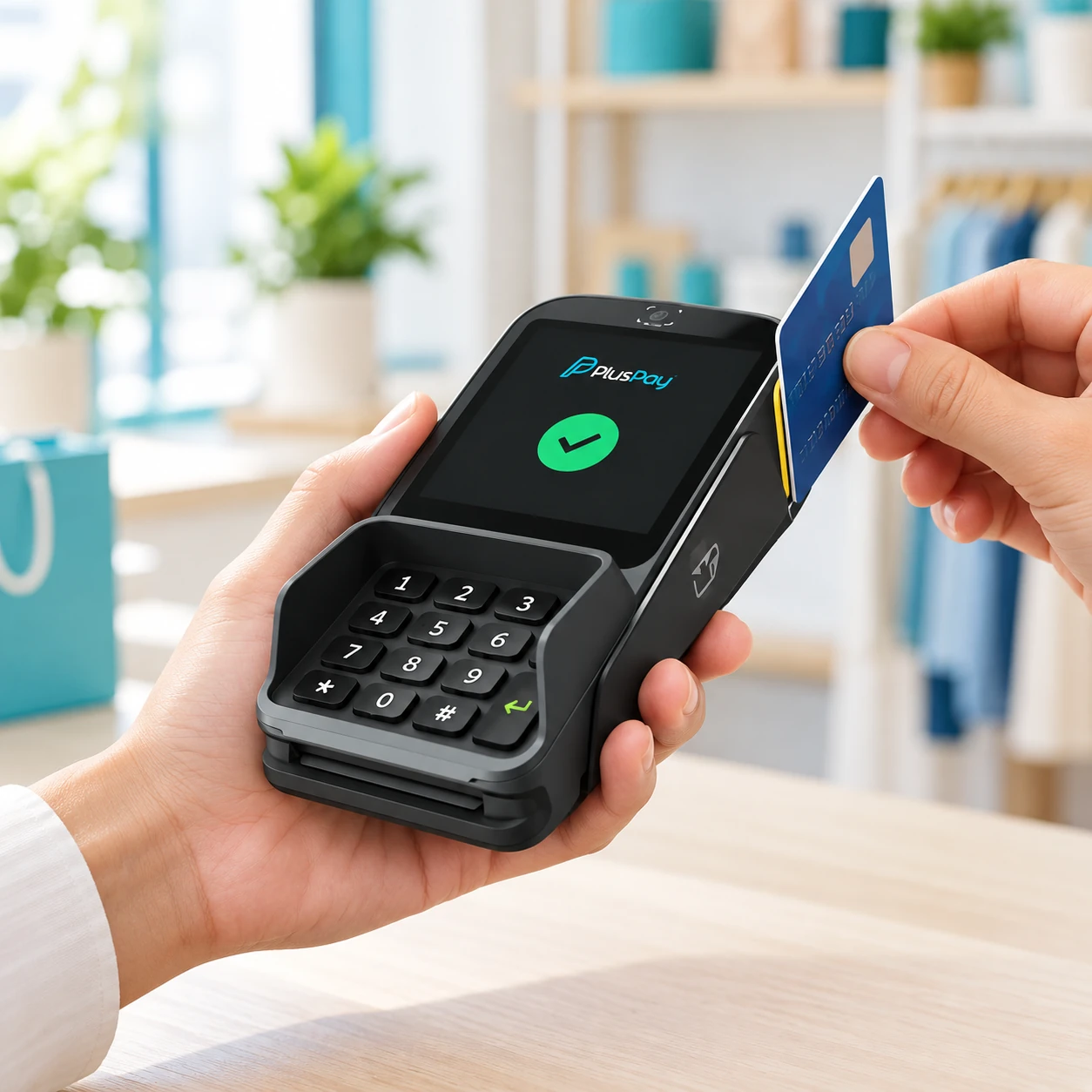
Pinpad with magnetic stripe payment
An employee holding a Pinpad terminal in a boutique
Employee accepting a payment with a handheld Pinpad terminal in a grocery store
Employee holding a Pinpad terminal in a bakery
Pinpad

Power your business.

Apply now
02 Use cases

A more compact experience at checkout.

With its compact touchscreen design, PINPAD lets customers complete the payment step on a separate terminal.

Explore industry solutions
Pinpad usage scenarioExample usage image

Stores and retail

A setup that simplifies product selection and payment collection at the point of sale.

Food and beverage

A payment flow that fits your checkout and service setup and keeps customers moving.

Mobile service

Portable models with suitable connectivity options for use on-site or in the field.

03 Technical details

The power inside. In every detail.

Pinpad hardware: explore the standard features and compare optional configurations.

Processor
Quad-core CPU: 4 × A53, 1.5 GHz
Operating system
Android 11 Go
Memory
1 GB RAM + 8 GB storage
Display
4-inch IPS touchscreen, 480 × 480 pixels
Payment
IC / NFC / QR / MSR support
Peripheral port
1 × USB Type-C
Battery
800 mAh / 3.7 V lithium polymer battery; 800 charge cycles
Certifications
EMVCo / PCI PTS 6.x / CE / FCC / UN38.3
Card slot
3 × Mini SAM
Contact
IEEE 802.11 a/b/g/n/ac, 2.4 GHz; Bluetooth 4.0
04 Installation

Get started in three steps.

Your journey with Pinpad, from application to everyday use.

Apply now
  1. 01Application

    Submit your application

    Tell us about your business, the number of devices you need and how you plan to use them.

    From you: a short application
  2. 02Planning

    Let’s plan your setup together

    Clarify software compatibility, connections and required peripherals with our team.

    Together: the right installation plan
  3. 03Getting started

    Check it and get started

    After installation, check the basic functions and connections to integrate your device into your workflow.

    Final step: usage check
Pinpad

Pricing

Device price

Get a quote

Request a current quote for your chosen device configuration and quantity.

Get a quote
Payment terms

Tailored to your business

Contact our team for information on commission rates, settlement periods, and service terms.

Let’s discuss the details
Pinpad product image
An employee holding a Pinpad terminal at natural scale in a boutiqueLet's grow your business together.
Let's get started together

Tell us about your business.
Let’s find the solution together.

Discuss product selection, installation and application options for Pinpad with our team.

Product selectionInstallationApplication
Talk to our team