


Mobile

M10

Keep pace with your business.

A compact Android handheld terminal for mobile operations. It combines wireless connectivity, a camera and optional barcode scanner in a portable body.
M10 product view
Pluspay / Mobile17
01 Features

M10— the details that make it different.

Design and hardware that simplify your daily workflow, in one device.

M10 use case

Compact and lightweight

Take your work with you in a body weighing 245 grams including the battery.

Customer-facing NFC

Offer customers a smooth contactless transaction experience with the front-facing NFC area.

Fast QR scanning

Scan QR codes for payments, logistics, and inventory operations with the 5 MP autofocus rear camera.

Replaceable battery

Add flexibility to your workflow with a removable 3000 mAh battery.

Customer-friendly NFC design

The front-facing NFC area enables smooth, customer-facing contactless transactions. Ideal for retail and transport use cases.

A contactless card transaction with M10 in a store

5 MP rear camera for fast QR scanning

Quickly scan QR codes for payments, logistics and inventory management with the 5 MP rear camera.

Scanning a package in a warehouse with the M10 rear camera
Powering smart businesses

In your palm
powerful performance.

2.0 GHz quad-core processor and Android 14 operating system.

4 cores2.0 GHzAndroid 14

Replaceable battery

A replaceable 3000 mAh battery helps keep your business running without interruption.

A display optimized for usability

A responsive touchscreen in the 5-inch class for clear viewing and comfortable use.

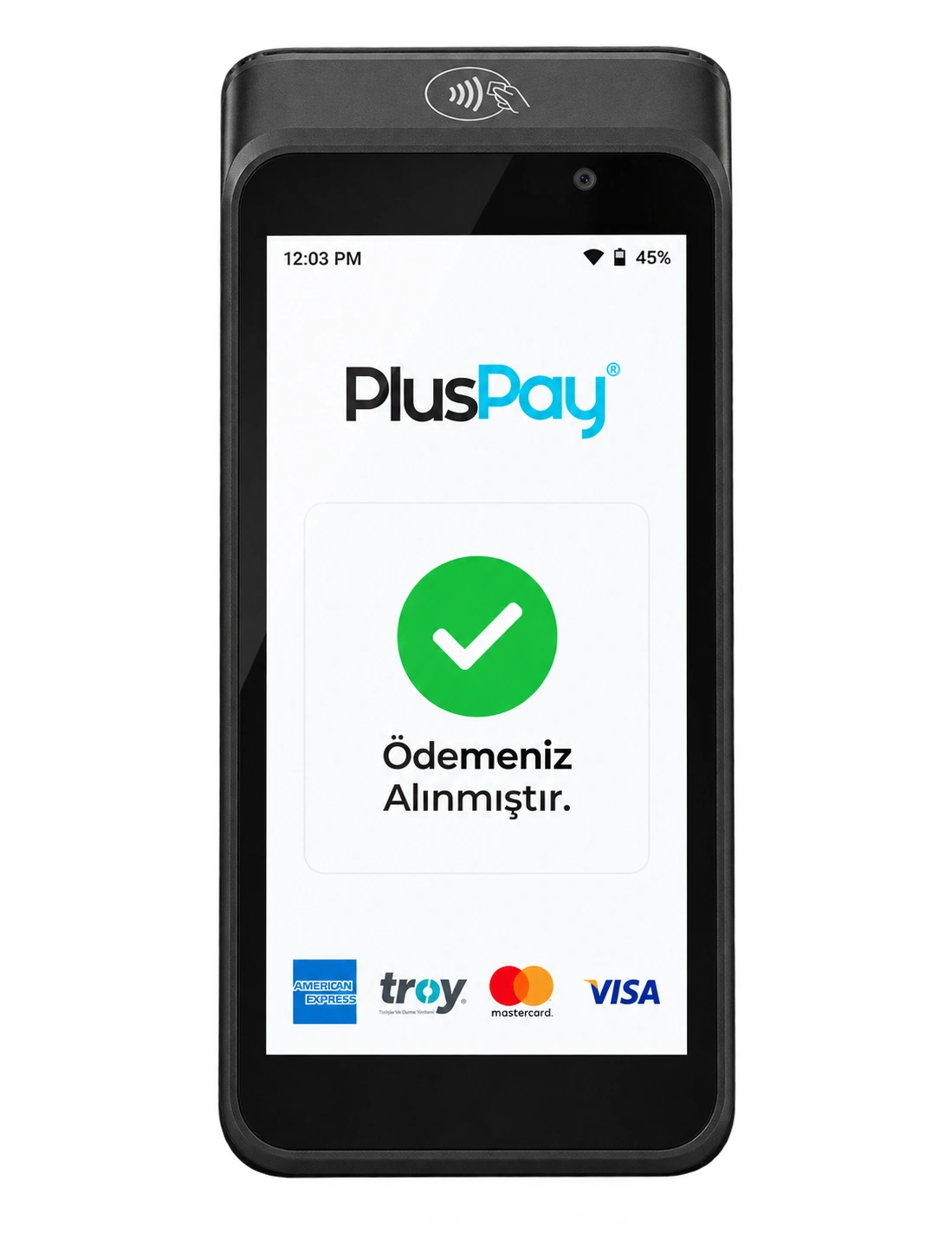
Pluspay payment interface on the M10 touchscreen
M10 product image 1
M10 product image 2
M10 product image 3
M10

Let your business move with you.

Apply now
02 Use cases

A handheld workspace

A compact Android handheld terminal for mobile operations. It combines wireless connectivity, a camera and optional barcode scanner in a portable body.

Explore industry solutions
M10 usage scenarioExample usage image

Field teams

Mobile use that supports data collection and transactions outside your premises.

Store operations

Freedom to move while handling products and inventory with compatible apps.

Service and delivery

A portable workstation for tracking orders and recording transactions.

03 Technical details

The power inside. In every detail.

M10 hardware: explore the standard features and compare optional configurations.

Processor
64-bit, quad-core ARM Cortex-A53, 2.0 GHz
Operating system
Android 14 (64 bit, GMS) Android 13 (32 bit, non-GMS) (optional)
Memory
Built-in: 3 GB RAM + 32 GB FLASH Expansion: microSD card up to 2 TB
Display
4.96-inch, 480 × 854, 450 nits, capacitive multi-touch
Scanner
Standard: None Scan engine (optional)
Buttons
Physical: 1 × power button 2 × scan buttons (optional)
Audio
2 W, 95 dB at 0.1 meter, single speaker Headset via USB Type-C port 2 × microphones
Wireless connectivity
WAN: 4G; 3G/2G fallback support Wi-Fi: IEEE 802.11 a/b/g/n/ac, 2.4 GHz / 5 GHz Bluetooth: Bluetooth 5.0, BLE support
Positioning
AGPS, GPS, GLONASS, BeiDou, Galileo
Camera
Front camera: Fixed-focus 0.3 MP (for barcode scanning) Rear camera: Autofocus 5 MP with flash
NFC
Android NFC; compliant with ISO/IEC 14443 and ISO15693; Type A/B, Mifare, and FeliCa support; EMVCo PCD L1 certified
SAM/SIM slots
2 SIM 1 SIM + 1 eSIM (optional)
Connection ports
1 × USB Type-C port 2 × pogo pins
Power
Power supply: 5 V / 2 A Battery: 3.7 V, 3000 mAh / 11.10 Wh, lithium-ion, removable
Dimensions (terminal only)
154 × 76 × 16 mm (length × width × height)
Weight
245 g (including battery)
Environmental conditions
Operating temperature: Discharging: −10 °C to +50 °C (14 °F to 122 °F) Charging: 0 °C to +40 °C (32 °F to 104 °F) Storage temperature: −20 °C to +70 °C (−4 °F to 158 °F) Operating humidity: 10%–90% (non-condensing)
Accessories (sold separately)
Charging dock Wrist strap Screen protector Protective case
Certifications and compliance
Payment: EMVCo Contactless L1 Regulatory: CE, CB, FCC, IC, RoHS, WEEE, UN 38.3, DGM, GMS
Durability
Protection rating: IP65 Drop resistance: 1.2 m
04 Installation

Get started in three steps.

Your journey with M10, from application to everyday use.

Apply now
  1. 01Application

    Submit your application

    Tell us about your business, the number of devices you need and how you plan to use them.

    From you: a short application
  2. 02Planning

    Let’s plan your setup together

    Clarify software compatibility, connections and required peripherals with our team.

    Together: the right installation plan
  3. 03Getting started

    Check it and get started

    After installation, check the basic functions and connections to integrate your device into your workflow.

    Final step: usage check
M10

Pricing

Device price

Get a quote

Request a current quote for your chosen device configuration and quantity.

Get a quote
M10 product image
Business owner working on a computer in a bright officeLet's grow your business together.
Let's get started together

Tell us about your business.
Let’s find the solution together.

Discuss product selection, installation and application options for M10 with our team.

Product selectionInstallationApplication
Talk to our team