


Simplifying the QR ordering experience
Keep the customer's journey from menu to payment clear and easy to follow.
Place the QR code in the right spot
A visible, sufficiently large and easily accessible code makes the first step easier. Add a short explanation to tell users what they will see when they scan it.
Organize your menu to make choices easier
Keep product names and categories clear. Options, prices, and product details should appear in an order that lets customers review their order.
Make the payment step clear
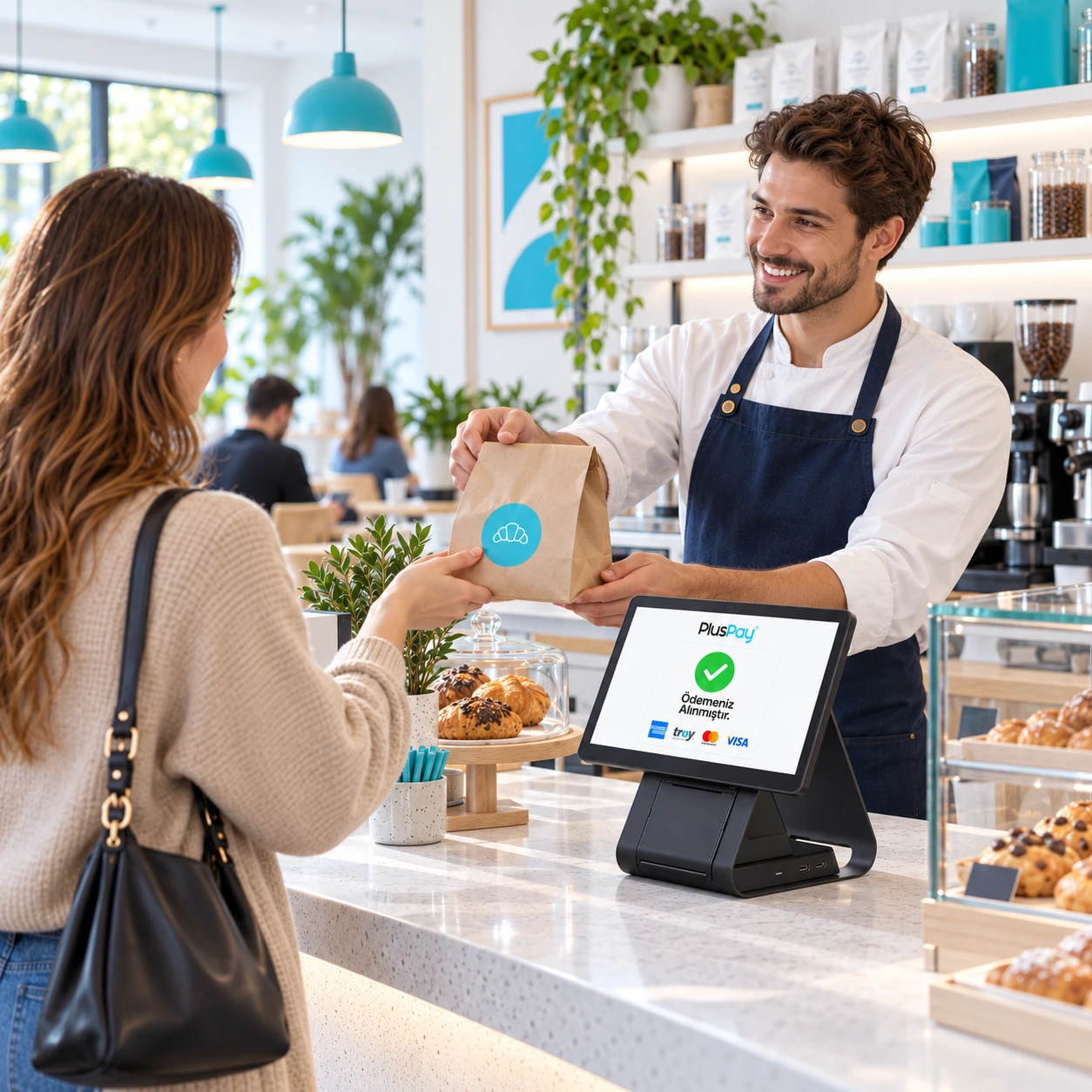
Make the cart summary, total amount and next step clear. Display the transaction result clearly to the customer. Plan an alternative flow where staff can help when needed.
Adapt the system to your business workflow
Explore the QR menu, cart and POS payment steps with QRPOS+. Plan order preparation and handover processes together before setup.